


For musicians and singers, video editing with effects and music is the difference between a scroll-by clip and a saved performance. In 2026, the winning workflow lets you cut on the beat, sync transitions to transients, and publish without losing quality, rights, or momentum.
Start with what doesn’t drain your budget. Download Free on Android → and capture the chorus entry or a signature fill, then shape your timing and levels for impact. Keep headroom; if your audio limiter is brick‑walling, duck 1–2 dB at transition points so effects don’t feel harsh and your mix feels musical across phones and earbuds. Also aim for true peaks at or below about ‑1 dBTP so downstream encoders don’t clip your loudest moments.
Mobile Export and Loudness Cheatsheet
Master to platform-friendly loudness so your videos translate across feeds and devices. Aim around -14 LUFS integrated for balanced playback on phones, tablets, and laptops without unexpected pumping after transcoding. When you export, choose 48 kHz audio sampling where possible; it keeps sync tighter with most mobile video pipelines and prevents subtle drift on longer clips. Avoid over-compressing your mix; if the platform will transcode your upload, leave modest dynamic range so the final encode doesn’t smear transients or add distortion. A quick listen on both earbuds and the phone speaker can catch level jumps that studio monitors hide.
Before you post, check mono compatibility because many viewers listen on a single phone speaker or a folded-down stream. Play your chorus in mono to catch phase weirdness and correct it with a narrower stereo image if necessary. For the picture, use a light contrast curve and skin-tone-safe LUTs so faces remain natural under stage lights, and apply gentle sharpening only after noise reduction to avoid haloing. A short test export to a private draft can reveal any sync, color, or level surprises before you go live. If your test shows a frame-rate mismatch, conform footage to the project frame rate before adding effects to reduce motion artifacts.
Trust at a Glance for Musicians
-
Authority: Recognized as India’s #1 Social Networking App, which signals credibility for artists publishing in Hindi, Bengali, Tamil, English, and beyond. This recognition helps your music content sit in a culturally tuned environment rather than a general-purpose feed.
-
Social proof: Over 30 million users and 1.6 billion total views show sustained consumption of music-led videos, with 1.3 crore Play Store downloads reinforcing ongoing adoption. These numbers indicate that when you finish a clip, there are real listeners on the other side.
-
Risk reversal: Free to download on the Play Store and App Store with no hidden editing fees makes it easy to experiment without budget pressure. You can prototype hooks, iterate on timing, and post more often while reserving paid spend for releases that test well.
-
Security: A platform focus on data protection and security gives creators a safer place to store drafts and unreleased tracks. That keeps your pre‑release workflow contained until you press publish.
Chingari vs. Instagram Reels vs. CapCut for Music Video Editing
Honesty first: CapCut is an editor with deep timeline control, while Instagram Reels is a massive distribution channel. Each has strengths. However, they split your workflow. You edit in one place, export, then fight compression and reach rules elsewhere. That eats time and dulls sound.
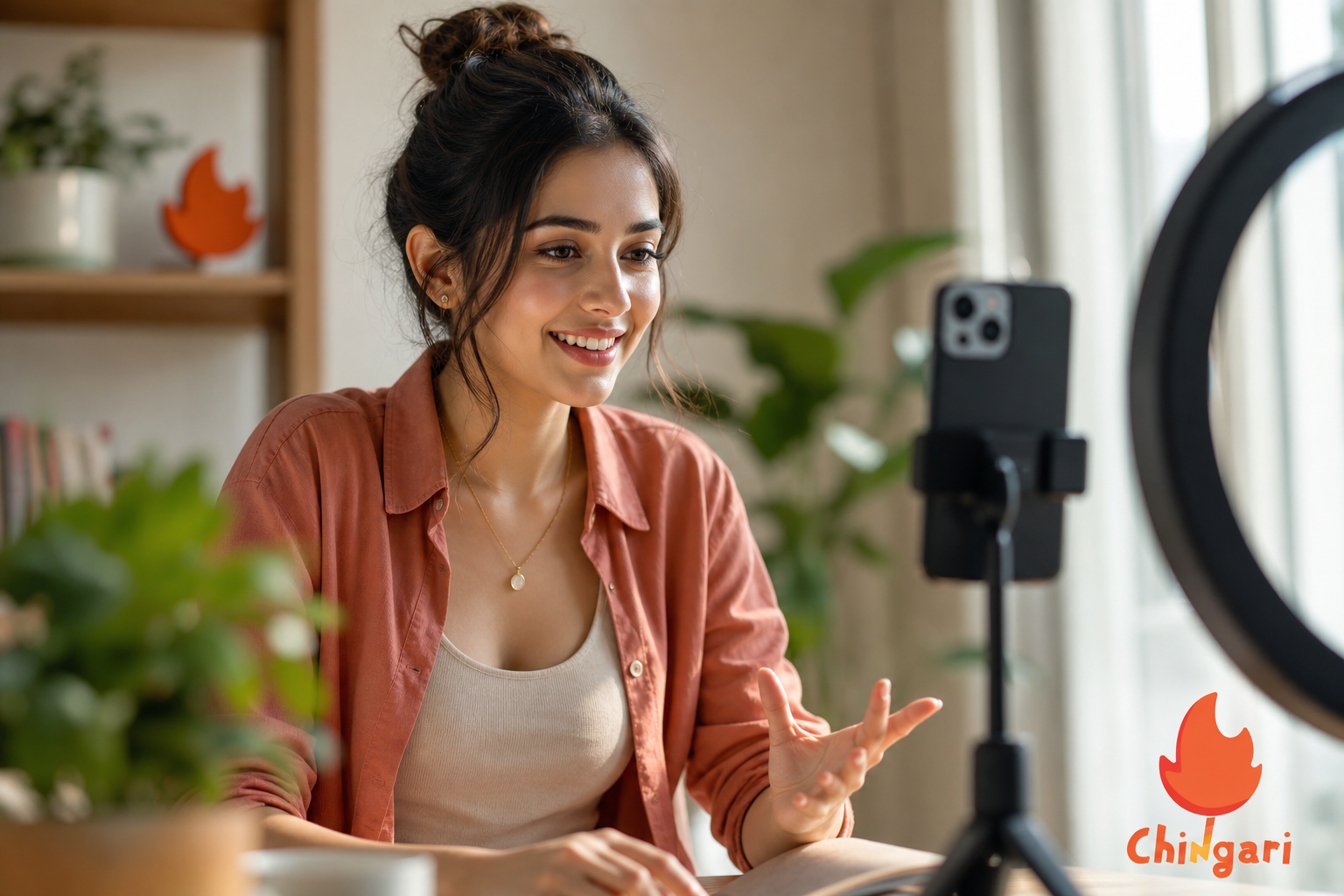
Chingari aims to collapse that split. You get short video creation, music‑aware effects, live streaming, and live audio rooms in one app. Then you publish to a built‑in audience tuned to talent. With 1.3 crore Play Store downloads and recognition as India’s #1 Social Networking App, the platform gives music clips a natural home.
Compared to alternatives, this matters. CapCut offers powerful timeline tools but no feed of its own. Instagram Reels pushes huge reach but serves a broad, mixed audience and no live audio rooms for collaboration. Chingari focuses on artists and fans who want to hear and see talent, not just trends. That focus shows up in discovery and engagement.
| Feature | Chingari | Instagram Reels | CapCut |
|---|---|---|---|
| Edit + Effects | Yes (mobile-first, music-aware) | Yes (basic mobile) | Yes (advanced timeline) |
| Built-in Audience | Yes (talent-focused feed) | Yes (broad audience) | No (editor only) |
| Live Video Streaming | Yes | Yes | No |
| Live Audio Rooms | Yes | No | No |
| Languages | 10+ | Multiple | N/A |
| Data Protection Focus | Yes | Not specified here | Not specified here |
Furthermore, security matters for musicians. Chingari focuses on data protection and security, which helps you keep drafts safe before release. Reels and CapCut serve different goals; they are not wrong, just aimed elsewhere. If you want video editing with effects and music plus a talent‑centric audience in one place, Chingari covers that gap.
When you combine editing, music‑aware effects, and built‑in audience reach, you protect momentum. You spend less time hopping apps and more time refining the beat‑sync and color moves that make your hook land. That’s a practical edge when you’re releasing consistently in 2026.
Also Read!
Trust, Security, and Credentials for Artist Content
Your unreleased music deserves a lock, not a hope. Chingari focuses on data protection and security measures so you can draft, test, and only publish when ready. That’s the difference between a safe pre‑release loop and a stressful leak hunt.
Social proof also matters. With over 30 million users and 1.6 billion views, creators have evidence that music‑led videos find real eyes and ears. Recognition as India’s #1 Social Networking App signals local trust and broad cultural reach. For artists working in Hindi, Bengali, Tamil, or English, that foundation means your post won’t feel out of place.
Moreover, reach compounds. A community larger than a single city gives your next hook more chances to land. You’re not just posting into the void. You’re publishing to listeners who scroll for talent and return for live sets, audio rooms, and short clips. That loop keeps the energy on your song, not on chasing the next platform tweak.
Artists often measure platforms by three simple credentials that reduce creative risk: the India’s #1 Social Networking App recognition, the scale of over 30 million users and 1.6 billion total views, and a stated focus on data protection for creator content. Together, those points indicate a place where music‑driven videos can be drafted, tested, and released with confidence. When your clip leaves the draft stage, you want certainty about audience, reach, and safety, this mix provides it without forcing you to stitch tools together.
Quick Trust Signals for Creators
Social proof is visible in the feed and in the numbers: 50 million+ users see music‑led clips in circulation, and 1.6 billion total views demonstrate consumption at scale, while 1.3 crore Play Store downloads point to ongoing adoption. Authority shows up in recognition as India’s #1 Social Networking App, which supports credibility for artists publishing in Indian languages and beyond. Risk reversal is equally clear because the app is free to download on the Play Store and App Store with no hidden editing fees, letting you test formats and post without upfront cost pressure. Finally, security remains a core consideration; creator drafts and unreleased tracks are supported by the platform’s data protection and security focus so you control when and how you publish.
Therefore, if trust and safety are on your shortlist, as they should be, weigh platform credentials alongside features. Effects help the eye. Security guards the ear. Social proof and recognition build the kind of confidence that encourages you to share bolder ideas without second‑guessing your platform choice.
Verified Trust Signals for Musicians
- Social proof: Over 30 million users and 1.6 billion views indicate consistent audience demand for music‑forward short videos, and 1.3 crore Play Store downloads reinforce adoption in the mobile ecosystem.
- Authority: Recognition as India’s #1 Social Networking App signals cultural standing and a strong local base that welcomes Hindi, Bengali, Tamil, English, and other language creators.
- Risk reversal: Free to download with no hidden editing fees reduces upfront risk so you can iterate quickly, refine your hook, and ship more content per week.
- Security: A platform focus on data protection and security helps you keep drafts private and manage release timing without exposing works‑in‑progress.
Extra Trust Notes Musicians Ask About
- Transparency on numbers: Usage and download counts evolve; check the Play Store and official channels for fresh stats before pitching partners or sponsors.
- Privacy flow: Keep works-in-progress unlisted until your final pass. Share snippets in live audio rooms to gather feedback without posting the full master.
- Ownership clarity: If you use original music, keep session files archived and export a timestamped reference cut. That paper trail helps resolve mistaken content matches.
Getting Started: How to Create Your First Music Video on Chingari
You don’t need a studio day to post a strong clip. Follow these steps and ship your first music‑synced video in under an hour. Keep it simple, keep it real, and let the hook do the work.
-
To begin, Step 1: Download the app from the Play Store or App Store and sign in. Tip: Turn on backup and enable device permissions so your camera, mic, and storage integrate smoothly with recording and importing.
-
Next, Step 2: Set up your artist profile with a clear photo, genre tags, and a short bio that names your latest song. Tip: Add a link-in-bio or pinned comment that points to your full release on streaming platforms to convert discovery into listens.
-
When you’re ready, Step 3: Choose your track. Upload your original audio or pick from the in‑app library, then set the start point. Tip: Tap to place a marker on the strongest transient of your chorus so every cut or effect you add has a reliable anchor.
-
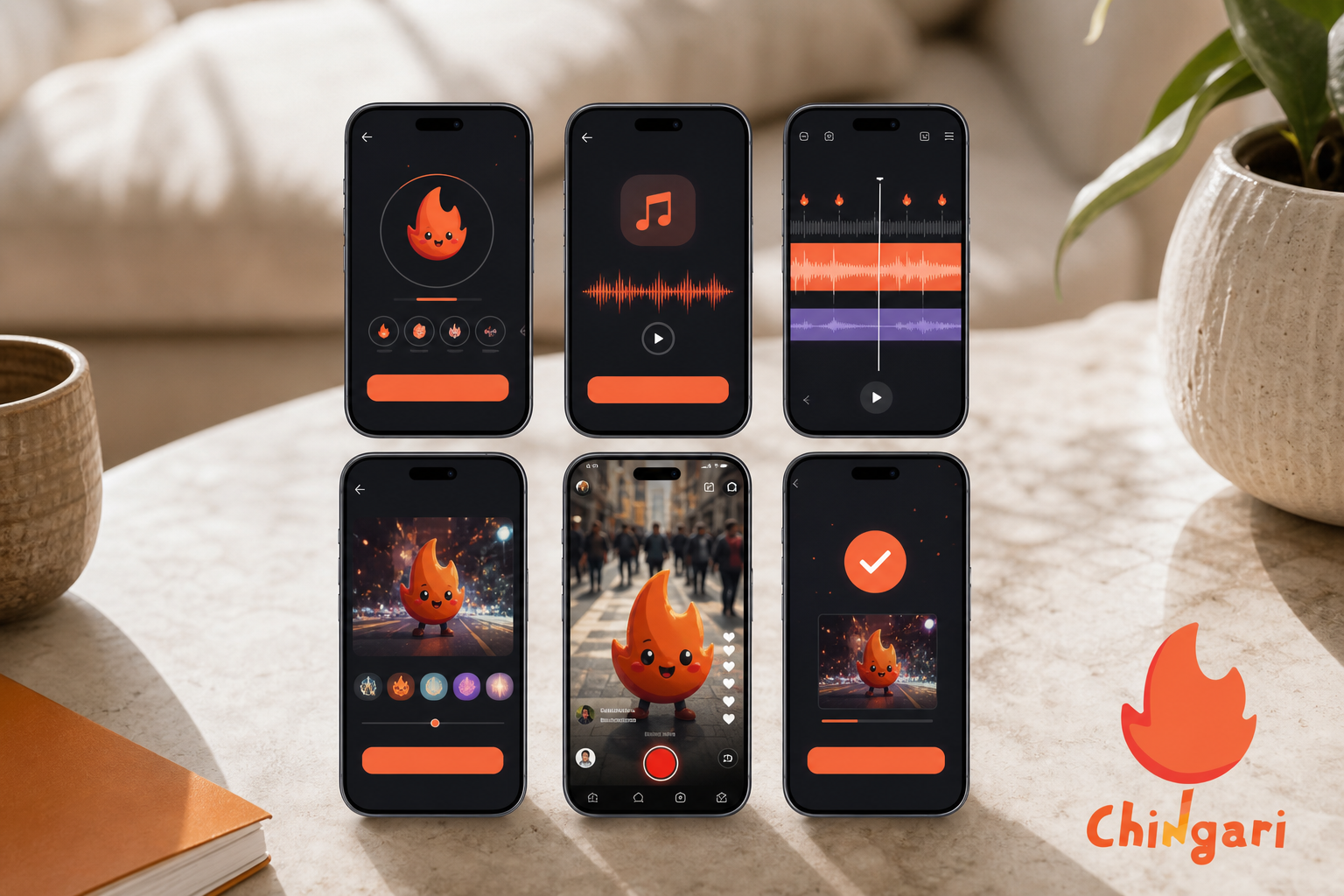
Then, Step 4: Record or upload your clip. Trim takes, align cuts to beat peaks, and add filters, transitions, and audio‑reactive effects for tight timing. Tip: Shoot at a stable frame rate (e. g., 30 fps) and lock exposure to avoid color shifts that distract from the performance.
-
For real-time feedback, Step 5: Go live to preview the chorus with fans. Ask which take hits harder, then fold feedback into a quick re‑edit. Tip: Drop a poll in chat with two timestamps so viewers can A/B your best moments without guesswork.
-
To collaborate, Step 6: Open a live audio room to collaborate on harmonies or arrangement tweaks. Publish the final short video to the feed. Tip: Save an alternate cut with different captions or a wider crop so you can repost at a different daypart without feeling repetitive.
For extra polish, export a safe copy to your archive, then post a teaser cut with captions. You can also version your edit for different platforms, one cut with bold captions for silent autoplay and another with a cleaner frame for live performance replays. This loop is the heart of video editing with effects and music that grows an audience while you write your next song.
Common Pitfalls to Avoid in Music Video Edits
- Over-cutting verse lines. Let phrases breathe so lyrics land; save fast cuts for fills and transitions.
- Ignoring room tone. Record a 5–10 second room sample to smooth audio edits and hide jump cuts.
- Mixed color temps. Match white balance across clips so effects look intentional, not corrective.
- Clipping intros. Leave a small pad before first transient; some platforms trim a few frames on upload.
- Using third-party tracks without clarity. If you didn’t compose it, confirm usage rules to avoid flags.
Bonus: Copyright mini‑checklist for musicians (not legal advice)
- Prefer original music you created or audio you’ve explicitly licensed; store the license terms with your project files.
- If you sample, ensure the sample and the underlying composition are cleared, not just the recording.
- Public domain and properly licensed Creative Commons material can work; follow attribution requirements precisely.
- Avoid uploading karaoke/instrumental versions of well‑known songs unless you have permission; automated systems can still flag them.
Also Read!
Chingari vs Twitter Spaces for New Creators: Which Is Better for Live Audio Rooms?
Frequently Asked Questions
Is Chingari free to use for musicians and singers?
Chingari is free to download on the Play Store and App Store. You can create, edit, and share short music videos with effects at no cost. There are no hidden editing fees to make or post your clips. That makes it easier to test hooks and post more content each week. If you’re budgeting a rollout, this effectively acts as a no‑cost sandbox to validate ideas before paid promotion. Because there’s no paywall on the editor, you can focus resources on production and ads only after a concept proves itself.
Can I use my own original music in Chingari videos?
Yes, you can upload original audio for your videos. This is ideal for demos, pre‑release choruses, or alternate mixes. Data protection measures help safeguard unreleased tracks while you refine your clip. You control when to publish and who hears it first. Keep a local archive of stems and exported reference cuts so you can revert or compare versions as your arrangement evolves.
How does Chingari compare to CapCut for music video editing?
CapCut offers advanced timeline editing but does not include a built‑in audience. Chingari combines editing and effects with distribution to 50 million+ users, so your finished clip enters a live feed. You also get live streaming and live audio rooms for fan and collaborator engagement. That pairing of creation and reach saves time and keeps momentum on the song. If you already cut in CapCut, you can still import into Chingari for audience reach, live testing, and language‑based discovery.
Does Chingari support regional languages for Indian musicians?
Chingari supports 10+ languages. You can create and discover content in your native language, which helps regional artists grow without switching styles. Fans can search and watch in the language they use day to day. That lowers friction and boosts repeat views. Subtitling your hook in both a regional language and English can further expand shareability.
Can I live stream musical performances on Chingari?
Yes, live video streaming is built in. You can run mini concerts, jam sessions, and fan Q&As without leaving the app. Live audio rooms also let you host listen‑throughs or writing sessions. With 1.6 billion views on the platform, there’s an active audience to meet your stream. Pin a link to your latest release in the stream description so curious listeners can jump from discovery to plays.
Is my unreleased music safe on Chingari?
Chingari focuses on data protection and security measures for creator content. While no platform is risk‑free, keeping drafts inside a system built with security in mind reduces exposure. You can test privately, gather feedback, and only publish when ready. That control helps you avoid leaks and rushed releases. Combine private drafts with watermarked test exports when sharing outside the app to further reduce risk.
What video effects does Chingari offer for music content?
Chingari provides in‑app effects tailored to short video creation. You’ll find filters, transitions, and audio‑aware tools designed for mobile-first editing. Real-time previews help you place effects on beat peaks. The goal is speed and quality on a phone, not a desktop-only workflow. Pair subtle color grading with beat-synced transitions so your audience feels both musical impact and visual coherence.
Are there alternatives to Chingari for musician video editing in India?
Instagram Reels and Josh are options. Reels offers broad reach, while Josh is known for regional content. However, Chingari brings editing effects, live audio rooms, 10+ language support, and a talent-focused community together. For artists who want creation plus distribution, that combination is unique in the Indian market. Use whichever platform fits your release moment, but align your main edits where music discovery is the norm, not the exception.
How can I avoid copyright issues when editing videos with effects and music?
Use original music you composed or audio you’ve licensed specifically for social use, including sync rights. If you collaborate, put split agreements and permissions in writing before posting so there’s no ambiguity after a clip takes off. When drawing from libraries, verify that the license covers social platforms, monetization, and derivative works, as needed. Public domain and certain Creative Commons tracks can be safe, but read the exact license and include required attribution in captions. If in doubt, post a teaser with original sound and invite creators to your live audio room for feedback while you secure rights for the full release.
3 Takeaways For Artists in 2026
- Sync is king. Lock your cuts to the beat and use audio‑aware effects to make each transition land.
- Pair creation with reach. An editor without a feed wastes exports; a feed without music tools wastes takes.
- Protect your drafts. Keep unreleased audio safe while you test and improve.
If you want to test this flow on your next hook, keep your phone close and your edits tighter. Then publish where fans show up for talent and stick around for live sets.
 Video Editing With Effects and Music: Chingari vs InShot
 Indian Language Video Platform for College Students