



**Download the App Free Today → to explore live audio chat rooms from your phone. You’ll see why creators use rooms for Q&A, live critiques, and news recaps.
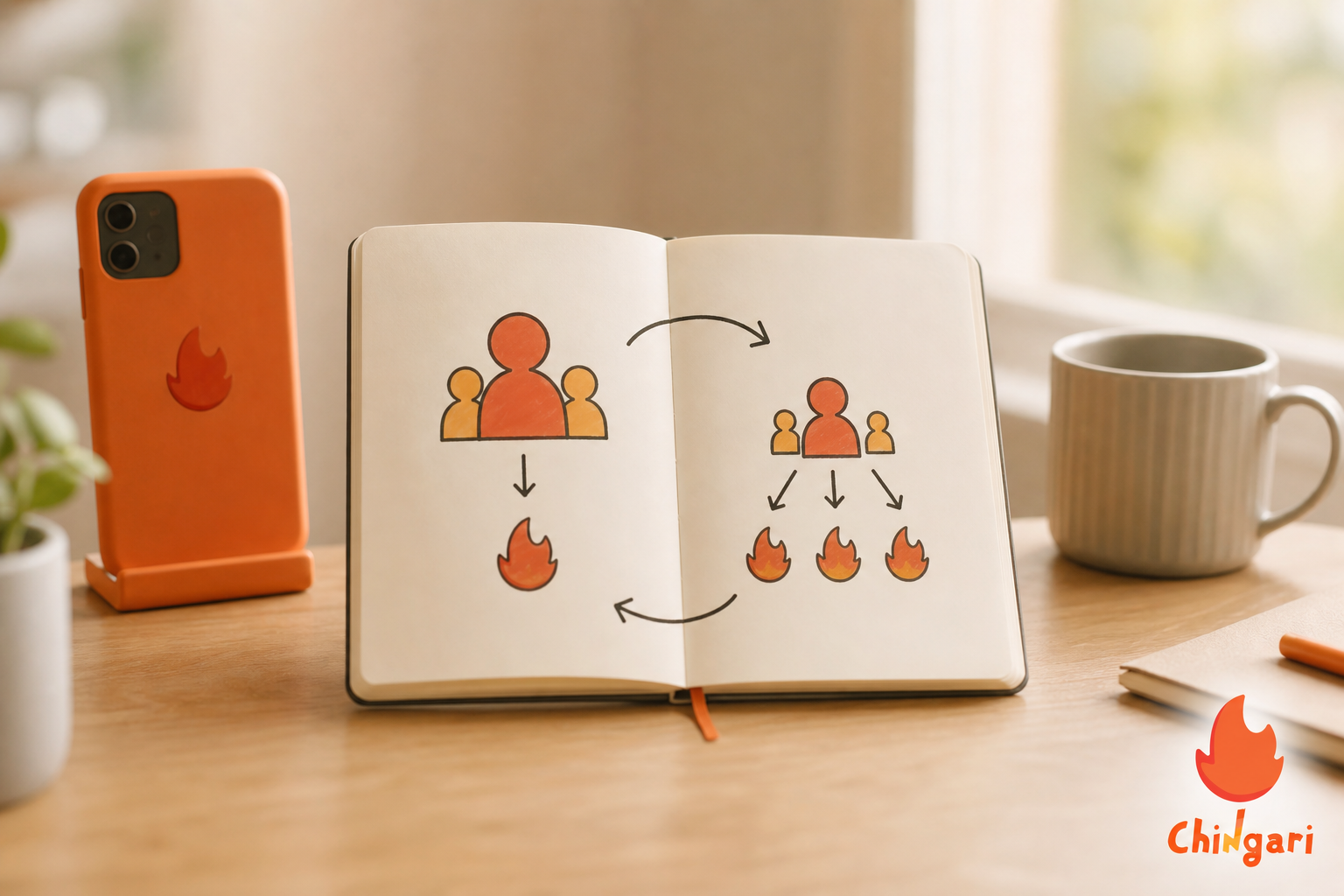
Specifically, if you’re new, you can test ideas in live audio chat rooms without filming ten takes. Try a 20-minute session, note the best moments, and spin them into short clips later. That loop turns one live hour into a week of content.
Instead of thinking in bullet points, here’s how the core benefits feel when you host your first sessions. The pressure drops immediately because there’s no camera, set, or elaborate lighting to worry about; you can show up with your voice and a clear topic. Feedback happens in real time through questions, quick polls, and raised hands, which helps you refine ideas on the spot. Reach also improves because platforms nudge followers when you go live, tapping curiosity and FOMO to pull in first-time listeners who might have ignored a static post.
“Audio lets you launch before you feel ‘ready.’ Your ideas grow in public.”
Also Read!
Chingari vs Twitter Spaces for New Creators: Which Is Better for Live Audio Rooms?
How to Choose Your First Live Audio Platform: A Step-by-Step Framework
Picking a platform is a decision, not a marriage. You can test, learn, and switch. However, start with a clear framework so you don’t chase hype. Here’s a five-step method I use with new hosts.
Step 1: Identify your niche audience
First, write one sentence: “I help [who] with [what] so they can [result].” For example, “I help first-time founders write lean pitch decks so they can book first meetings.” As a result, your room title writes itself: “Tear Down Your Seed Pitch (Live Q&A).” Furthermore, list two sub-niches you can invite as early guests. Early relevance beats broad reach. Add two proof points you can share in every intro so new listeners trust you fast: a result you’ve achieved and one specific framework you’ll use in the room.
Step 2: Evaluate platform size vs. discoverability
Second, weigh a big user base against how easy it is to get found. A platform with millions can bury you if feeds are crowded. Conversely, a smaller app with strong in-app discovery may surface your room. In live audio chat rooms, titles, timing, and tags influence who sees you. Therefore, explore the “upcoming” or “now live” tabs to judge your odds. Search your niche keyword, scan the top 10 room titles, and note the average live headcount to estimate your starting baseline.
Step 3: Check monetization options
Third, scan for native tips, ticketed rooms, or creator funds. You do not need to monetize week one, but you should know the path. For instance, kiosk-style tipping, paid memberships, or brand deals all need different signals: attendance consistency, niche clarity, or replay quality. Also check payout thresholds, supported currencies, and whether in-room merch links or pinned links are allowed. If you plan workshops later, confirm whether you can gate access, limit speaker slots, or export attendance lists for follow-ups.
Step 4: Test moderation tools
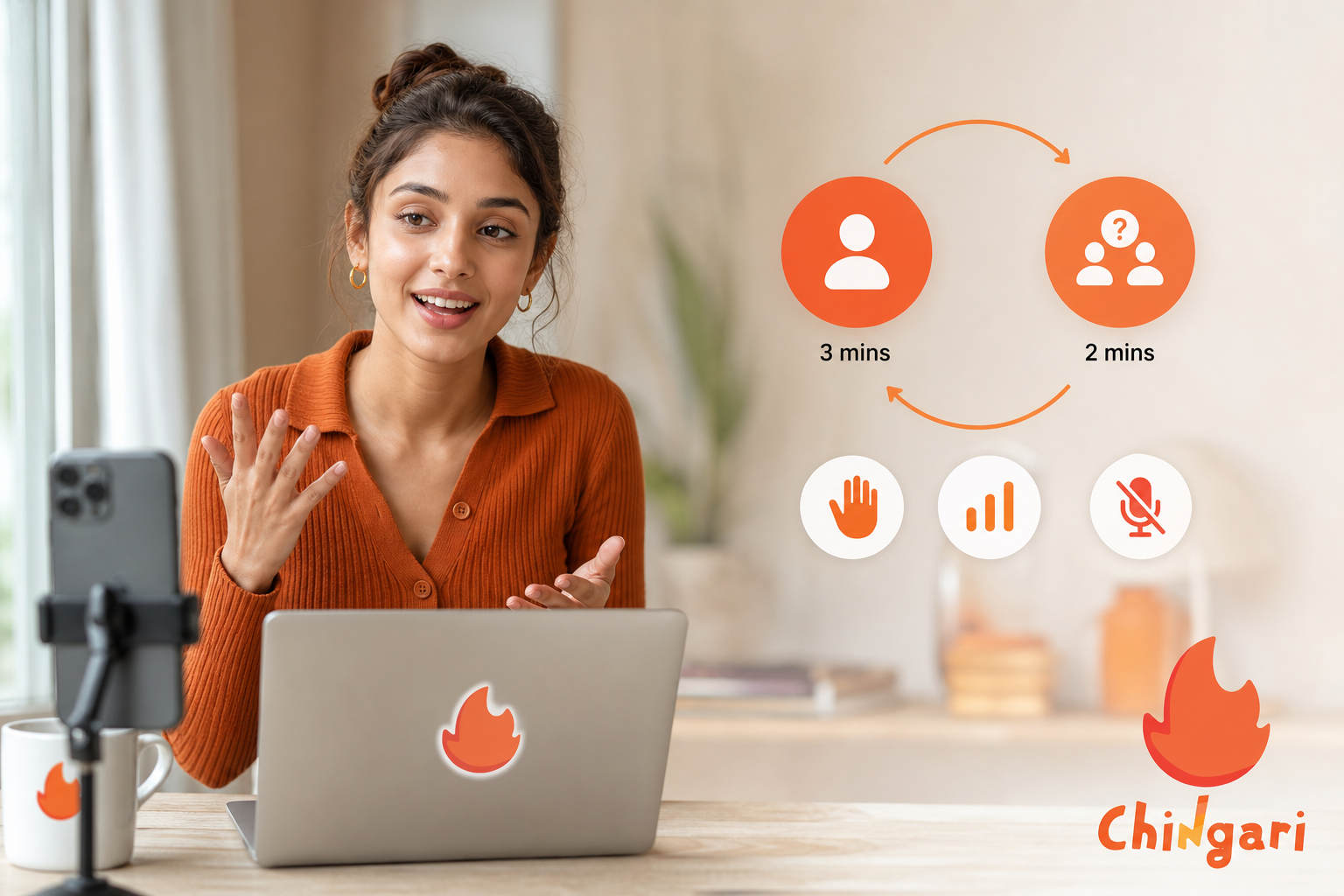
Fourth, open a private room and click every control. Can you mute with one tap? Can you add co-hosts? Can you invite and remove speakers fast? Strong tools cut stress when a room gets lively. Moreover, set a short code of conduct in your room description to set expectations. Draft two canned phrases you can paste when things derail, e. g., “One mic at a time; we’ll rotate speakers every 90 seconds,” or, “DM me your question; I’ll queue it for the next segment.
Step 5: Assess multilingual or regional reach
Fifth, if your audience spans regions, verify language support and regional trends. In India or the Gulf, evening slots differ by city. In addition, multilingual UI and captions can widen your base without extra work. If your topic fits both English and Hindi, plan parallel sessions and alternate days. Track which languages drive longer average listen time and higher speaker requests; that’s your cue to deepen localized content or recruit a bilingual co-host.
| Comparison Criteria | What to Check | Why It Matters |
|---|---|---|
| Audience Fit | Who’s active in your niche | Higher odds of early retention |
| Discovery | “Live now” surfacing, tags | More first-time listeners per session |
| Monetization | Tips, tickets, funds | Path to income after 4–8 weeks |
| Moderation | Mute, co-host, blocklist tools | Lower host stress during spikes |
| Regional Reach | Languages, time zones | Better attendance with local timing |
Therefore, shortlist two platforms and schedule a 20-minute test room on each in 2026. Keep your topic identical, run them the same day/time a week apart, and compare: joins in first 10 minutes, total speakers, and follows after the room. In fact, those three numbers will tell you where to double down. If you want extra color, add two more: avg listen time per attendee and % who raise a hand or answer a poll; these help you judge depth, not just reach.
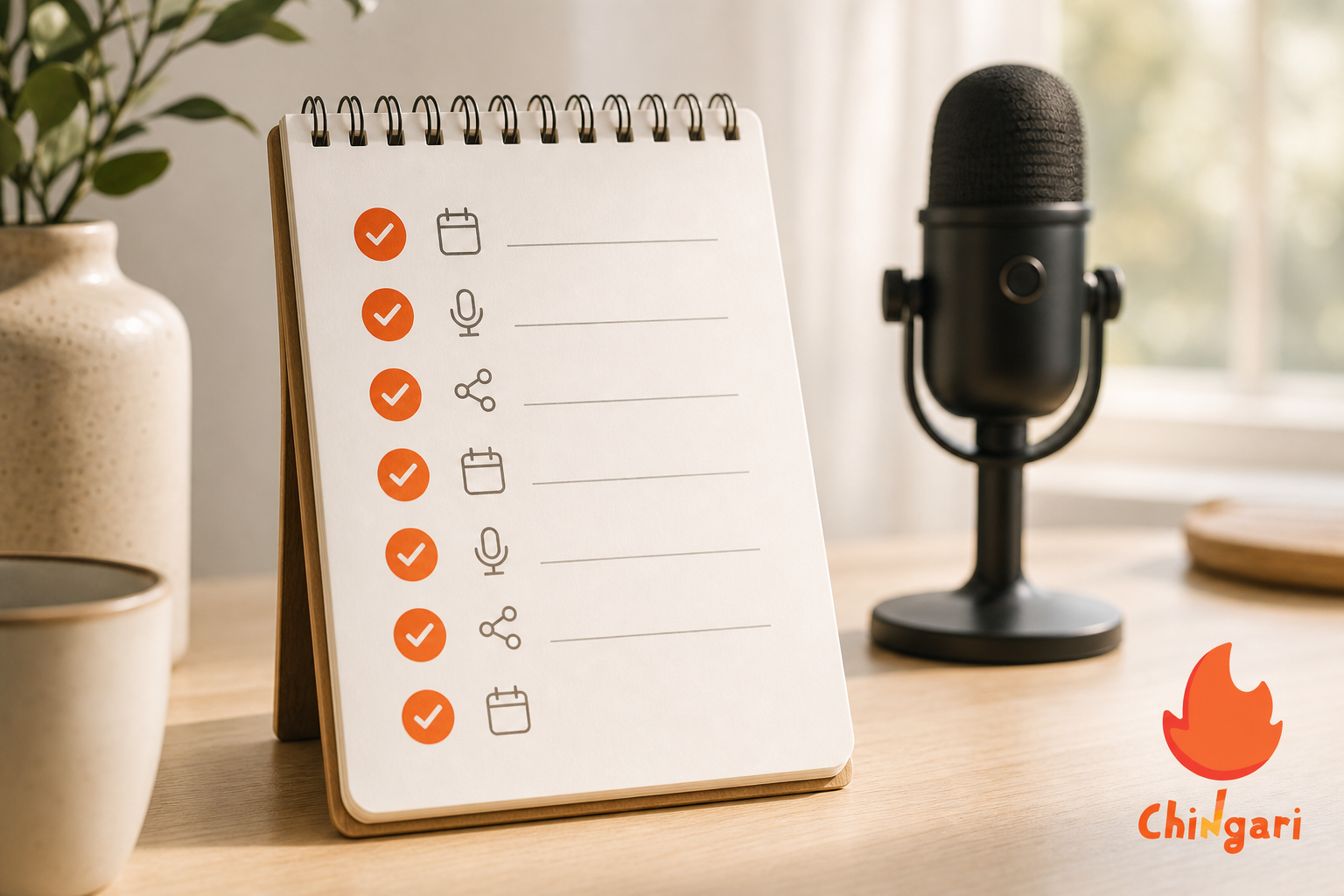
- Hosting without a topic outline. The mistake: You “wing it,” ramble, and lose listeners in five minutes. The fix: Write a 5-line outline.
Hook, Point 1, Point 2, Call-up to speakers, Wrap, and keep it visible. Put it on a sticky note and, to stay snappy, timebox each point to 3–4 minutes. That small prep step keeps your pacing tight and your message clear.
- Ignoring audience interaction. The mistake: You talk non-stop and never check the queue. The fix: After each point, pause and ask a simple prompt like, “What’s one hurdle you see here?” Invite one speaker every 5–7 minutes to keep energy flowing and perspectives fresh. Moreover, thank them by name and summarize their point in one line so newcomers can follow the thread.
-
Going live at random times. The mistake: You show up “whenever,” so people can’t plan around you and miss your room. The fix: Pick one slot and keep it for four weeks; for example, “Thursdays, 7:30 pm IST, 20 minutes.” Consistency builds habit, and habit compounds reach faster than any growth hack. Over a month, regularity teaches the algorithm and your audience when to show up.
-
Neglecting cross-promotion. The mistake: You only post inside the app, so your wider audience never hears you’re live. The fix: Share a teaser clip or quote card on your other socials 24 hours before and again 1 hour before you go live. Therefore, your warm audience becomes your first 10 listeners and seeds the room with momentum. Even a simple poster with time, topic, and a one-line promise can lift your turnout.
-
Trying to monetize too early. The mistake: You add tips or tickets before you’ve earned trust and a predictable cadence. The fix: Focus on signal first, 20–30 average live listeners, 2+ speakers per session, and a clear niche title, then layer in light monetization in week 5 or 6. By waiting until those signals stabilize, you reduce friction and avoid underwhelming early results. That patience also helps you price confidently when demand is visible.
“Tight topics and patient pacing beat hype. Set the room, then let people shine.”
In addition, keep a simple post-room ritual: jot three wins, one miss, and one idea for next time. As a result, your second month will feel smooth, not chaotic.
Also Read!
Best Live Audio Rooms for New Creators in 2026
Chingari vs Clubhouse for College Students: Which Is Better for Live Audio Rooms?
Top Platforms with Live Audio Rooms for Beginners
Here’s a neutral snapshot of major options in 2026. The ratings are simple, ease to start, audience size, and monetization, so you can compare at a glance. Please verify current status in-app before you plan a launch, since some services have changed or paused features since earlier years.
| Platform | Ease to Start | Audience Size | Monetization |
|---|---|---|---|
| X (Twitter) Spaces | Easy | Large | Tips/brand deals |
| Discord Stage Channels | Medium | Large (community-based) | Memberships/sponsors |
| Clubhouse | Easy | Medium | Room tickets/brand partners |
| Reddit Talk | Uncertain (status changed post-2023) | Large (if active) | Unclear |
| Spotify Live | Uncertain (status changed post-2023) | Large (if active) | Unclear |
| Chingari (India) | Easy | 50 million+ users | Creator-focused options |
Tools like Chingari combine live audio rooms with short video for Indian creators, which helps you turn a single live session into bite-size clips. In addition, an India-based social app with live rooms that’s available in 10+ languages can help you host in English, Hindi, or Bengali without extra setup. If privacy matters to you, a platform with stated data protection and security measures reduces risk as you grow.
Furthermore, regional fit is not a “nice to have.” If your core listeners are in India, a social networking app built for India’s culture and languages can boost retention. For Android reach alone, 1.3 crore Play Store downloads shows how deep the install base runs. If you plan to repurpose content, short video sharing built-in saves time.
- Pick X (Twitter) Spaces if your audience already follows you there and you want easy, casual discovery via “Live” indicators in timelines.
- Pick Discord Stages if your community lives on your server and you want structured Q&A with roles, threads, and persistent channels.
- Pick Clubhouse if you value topic-centric discovery and want to guest in related rooms to borrow audiences before hosting your own.
- Pick Chingari if you’re building in India, want to host in multiple languages, and plan to remix highlights into short-form video inside one app.

What to Do This Week: Your First Live Audio Session
You only need seven days to ship your first room. Keep it light. Keep it real. Your goal isn’t to go viral, it’s to learn fast in public.
- Day 1: Pick two platforms and claim your handles. Write your one-sentence niche.
- Day 2: Decide your slot: same day/time next week. Set a 20-minute room with a clear title.
- Day 3: Draft a 5-line outline and a 1-line intro. Add two prompts for audience Q&A.
- Day 4: Post a teaser on your socials with a still image and the time (local time zone).
- Day 5: Post a reminder 60 minutes before. DM three friends who’d add value.
- Day 6: Go live for 20 minutes. Start on time. Invite one speaker at minute 8–10. End with a one-line takeaway.
- Day 7: Review: joins in first 10 minutes, peak listeners, number of speakers, follows. Write one improvement for next week.
Optional extras (if you have 30–45 more minutes)
- Create a 3-question Typeform or Google Form to capture post-room feedback; pin it in the room.
- Build a simple “Room Notes” doc you can paste as a thread or share as a view-only link right after ending.
- Line up a co-host for next week; draft their intro line and one topic segment they’ll lead.
- Prepare one 30-second cold open and one 10-second cold close you can reuse; repetition trains attention.
Moreover, save your best 10–20 seconds as a clip or quote card. Therefore, your next promo writes itself. In 2026, speed of iteration beats polish.
Key Takeaways
Start with real-time audio to strip away friction and get learning faster than video. Use the 5-step platform check, audience fit, discovery, monetization, moderation, and regional reach, to make an informed first choice without overthinking it. Avoid rookie traps by preparing a short outline, building in interaction, holding a consistent time slot, promoting beyond the app, and waiting to monetize until core signals are strong. When comparing platforms, look at ease of hosting, audience potential, and income paths, and always confirm current feature status in-app in 2026. Track three simple numbers each week, early joins, speakers, and follows, and commit to improving one small aspect per session so your momentum compounds.
- Focus on platform–topic fit first; tools and growth follow from clarity.
- Keep rooms short, structured, and social; rotate voices early and often.
- Measure what matters, then iterate weekly; a small, steady loop beats irregular spikes.
 Live Audio Chat Rooms: Chingari vs Twitter Spaces 2026
 Video Editing With Effects and Music: Chingari vs InShot