



If you’re comparing platforms for video editing with effects and music in 2026, this guide breaks down where Chingari and InShot each help singers, rappers, and bands. In two minutes, you’ll know which app polishes your cut. You’ll see which grows your audience tonight, and how to combine them for the best of both.
Download Chingari Free Today →.
To get more practical, treat your phone as a small studio. Monitor with wired earbuds to reduce latency while recording. Clap or click at the start of takes to create a sync spike you can visually align later.
Aim for consistent headroom so your limiter isn’t pumping. Add a quick test pass before the real take to confirm gain staging across your chain. A 10‑second check avoids ruined performances and emergency re‑takes when time is tight.
- Mini preflight checklist before you press record:
- Verify input device selection (built‑in vs external mic) and sample rate to avoid mismatched audio.
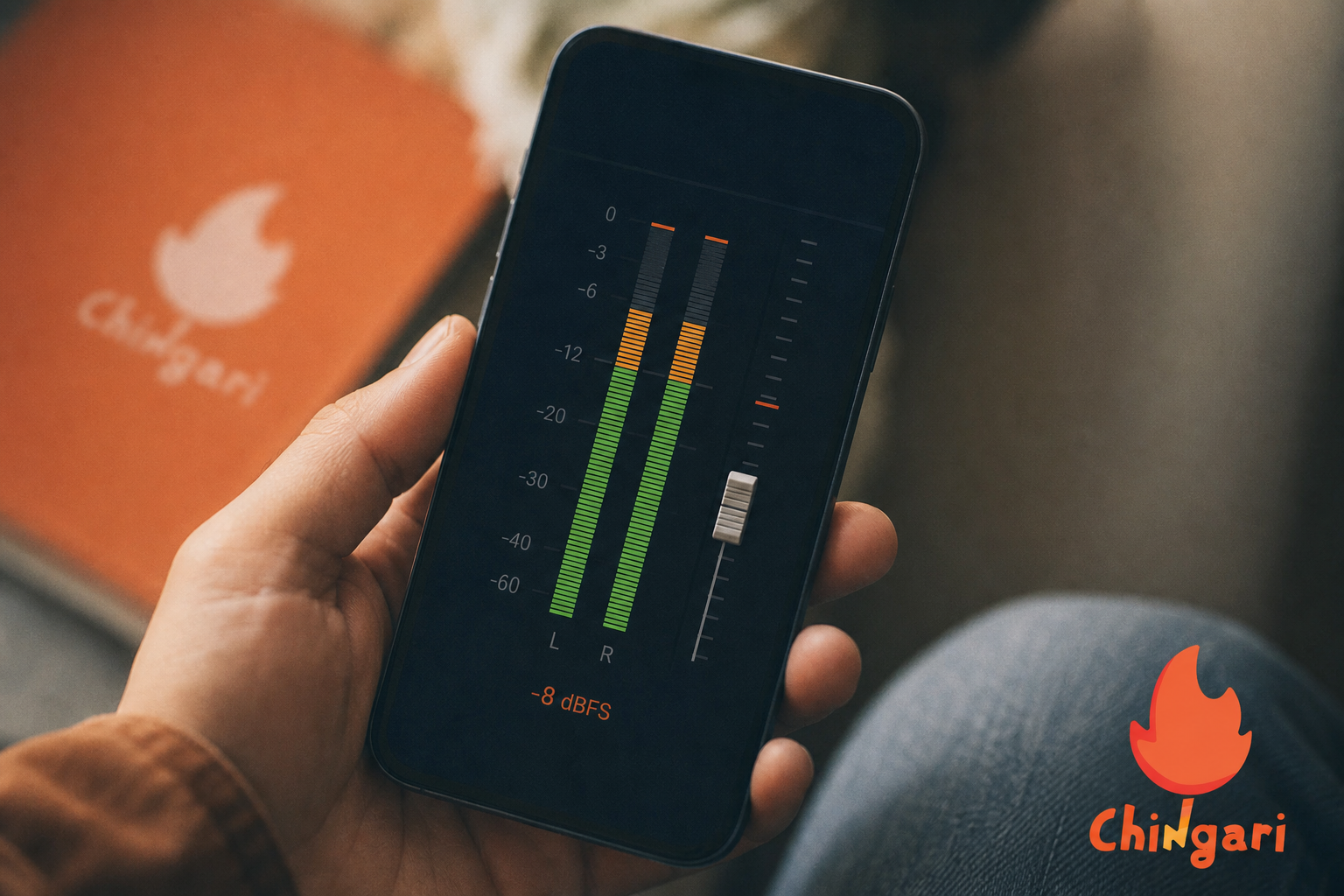
- Set a safe input gain, then sing your loudest line to confirm peaks stay under −6 dBFS.
- Place your phone on a stable surface; if hand‑held, brace elbows against your body to reduce micro‑shake.
- Do a 5‑second clap test on camera; ensure the transient is visible in the waveform and in frame.
Short on acoustic treatment? Throw a comforter over a mic stand to tame reflections before you ever hit record. Your edits will thank you later. Position the blanket just out of frame to keep your shot clean while your sound stays dry. If you have a second blanket, build a quick V‑shape behind the mic to further cut slapback and flutter echoes.
For effects, restraint wins. Subtle grain, desaturation, or a little diffusion can elevate realism for live takes. Save heavier transitions for section changes (verse to chorus) so the cut matches song structure.
And for captions, pick high‑contrast colors. Burn in key lyrics to increase retention for viewers who listen with sound off. Keep font sizes legible on small phones, and avoid script fonts that smear at lower bitrates.
Evaluation criteria musicians care about
When you’re weighing video editing with effects and music tools, start with what keeps your posts safe and effective. A deep, clearly licensed music and effects library matters so your uploads aren’t flagged or muted after you’ve spent hours editing. Equally important is accurate audio sync and simple beat snapping. Loose lip‑sync undercuts performance credibility and kills repeat views.
Beyond the timeline, look for visual effects that flatter live performance instead of overwhelming it. Also consider how the app’s sharing mechanics and recommendations help real listeners find you. Tools that lock lip‑sync without drift, offer monetization paths through scale and fan support, and remain reliable on show days are worth more than novelty filters. Fast capture and quick exports reduce stress when you only have a short break between songs. They also give you room to correct a missed line without derailing the set.
Finally, basic security and data protection keep your account and drafts safe. That is essential when you’re posting frequently, going live, and interacting with fans. Two‑factor authentication, device trust prompts, and clear privacy settings are worth checking on day one. Back up drafts to local storage or cloud so a phone swap does not erase in‑progress edits.
In short, you want video editing with effects and music that serves your voice first and gets that voice heard. If a tool can’t do both, you will spend more time bouncing between apps than finishing songs. That delay costs momentum and saps confidence before the next release.
Quick setup checklist before you record
- Clean your camera lens, lock exposure/white balance if your app allows it, and shoot near a window for soft light.
- Record a 5–10 second room tone clip. You can use it under cuts later to keep backgrounds consistent.
- Keep your phone on airplane mode during takes to avoid notification dings in your audio.
- Prep a simple slate system: song key, tempo, and take number on a sticky note held up for one second at the start of each shot.
- Bring a small phone clamp and a mini tripod. Stable framing beats shaky shots and saves time in post stabilization.
- If you use an external mic, run a fast tap test. Confirm signal is present and not clipping before the first real pass.
Chingari Overview: Strengths and Weaknesses for Musicians

Chingari is an India-based short video platform built for sharing and discovery. It has been recognized as India’s #1 Social Networking App and is available in 10+ languages. For singers, that means you can post a verse and be heard by a broad, multilingual audience without leaving your phone. The barrier to entry is low. The potential upside is large if you post consistently and respond to comments quickly.
Audience and discovery
6 billion views. 3 crore Play Store downloads. Those numbers matter because music spreads with reach. Post more. Learn faster.
Grow faster. In addition, Chingari supports Live video streaming and Live audio rooms. You can run an acoustic set, host a Q&A, or test a new chorus in front of a live crowd. You can also recap highlights afterward to keep momentum between releases.
On the editing side, Chingari keeps things simple. You can capture, trim, and share short clips fast. However, advanced needs like multi‑track timelines, keyframe control, or fine‑grained speed ramps are limited compared to stand‑alone editors.
Therefore, most artists who want complex cuts will prep in a dedicated editor. They then upload to Chingari to tap the feed and go live. That blend gives you polish plus reach in a single evening.
"India's #1 Social Networking App." — Chingari
Security also matters when you build a fan base. Chingari highlights data protection and security measures, which gives peace of mind as you post, go live, and chat with fans. On the other hand, the audience is India‑focused by design.
If your main market is Mumbai or Delhi, that’s a strength. If your core fans are in Berlin or Austin, you may need to plan time‑zone aware live slots and multilingual captions. Pin comments with translations to help global viewers follow along without friction.
Still, for creators who value a direct create‑to‑audience pipeline, Chingari’s short video sharing, live features, and language support make it a strong place to publish music clips and engage. It won’t replace a full editor, but it can replace hours spent chasing reach. The app’s culture also rewards rapid iteration, which lines up with how songs evolve on stage.
Practical tips for Chingari
Treat Live audio rooms like a greenroom. Preview unreleased hooks, take fan requests, and note which ideas spike comments so you can shape your next chorus. When posting short clips, front‑load the hook or highest note within the first one to two seconds. That move captures swipe‑happy viewers and gets saved and shared.
Use the 10+ language support to add multilingual captions, and pin a comment with a lyric translation. Invite replies from non‑native speakers who might otherwise bounce. Close with a light call to action that asks for a duet or a remix.
Scheduling also helps you catch more of your base without burning out your voice. Run Lives at two different time windows during the week to reach domestic followers and international fans in other time zones. After each stream, note which segments triggered the most engagement.
Call‑and‑response moments, short acoustic breakdowns, or gear talk all reveal where interest is highest. Turn those into standalone clips you can re‑post on your profile for compounding reach. Keep a simple content tracker so you repeat what works and retire what drifts.
Also Read!
New Creator’s Guide to Live Audio Rooms in 2026
Chingari vs Twitter Spaces for New Creators: Which Is Better for Live Audio Rooms?
InShot Overview: Strengths and Weaknesses for Musicians
InShot is a stand‑alone mobile editor built for control. You get a strong timeline, precise trims, and fast exports. For performance clips, that means you can match cuts to beats. You can add kinetic text and stack filters without lag. The interface is direct enough that you can learn it in a single afternoon.
Moreover, InShot offers a broad library of effects, transitions, and text styles that look clean on a 9:16 frame. For example, you can keyframe zooms into a guitar solo. You can time‑ramp a pre‑chorus, then add subtle grain to glue the look. In addition, you can drop in royalty‑free music and sound effects, which speeds up scoring for teasers or behind‑the‑scenes edits. Basic volume automation and fade handles help smooth cut points between takes.
Where InShot fits in a musician’s workflow
However, there’s no built‑in audience. Therefore, your workflow becomes export‑then‑upload to social platforms. That adds steps and files to manage.
On the other hand, this separation keeps your master clean. You can render a high‑quality version, repurpose it for different apps, and keep your editing history in one place. Backups are easier when your source project is local and consistent.
For singers and MCs who need tight lip‑sync, InShot’s timeline helps. You can nudge audio a few frames and line up mouth shapes. You can also copy that timing across clips. Furthermore, the app handles color, speed, and overlays well enough for most phone‑shot music videos. If you record on multiple phones, you can still build a tight cut with color‑matching filters and gentle film grain to unify the look.
Live and community considerations
Still, InShot does not offer Live video streaming or Live audio rooms. You can’t meet fans inside it. As a result, you’ll need to pair it with a social platform to share, go live, and build a base. If your goal is pure polish, InShot shines. If you crave instant reach or live feedback, you’ll need a second step after you export.
Crucially, for video editing with effects and music that demands precision, InShot is the stronger tool. For reach and live music culture, it needs a partner. Think of it as your control room. Then think of your social app as the stage where the crowd gathers.
Pro workflow ideas for InShot
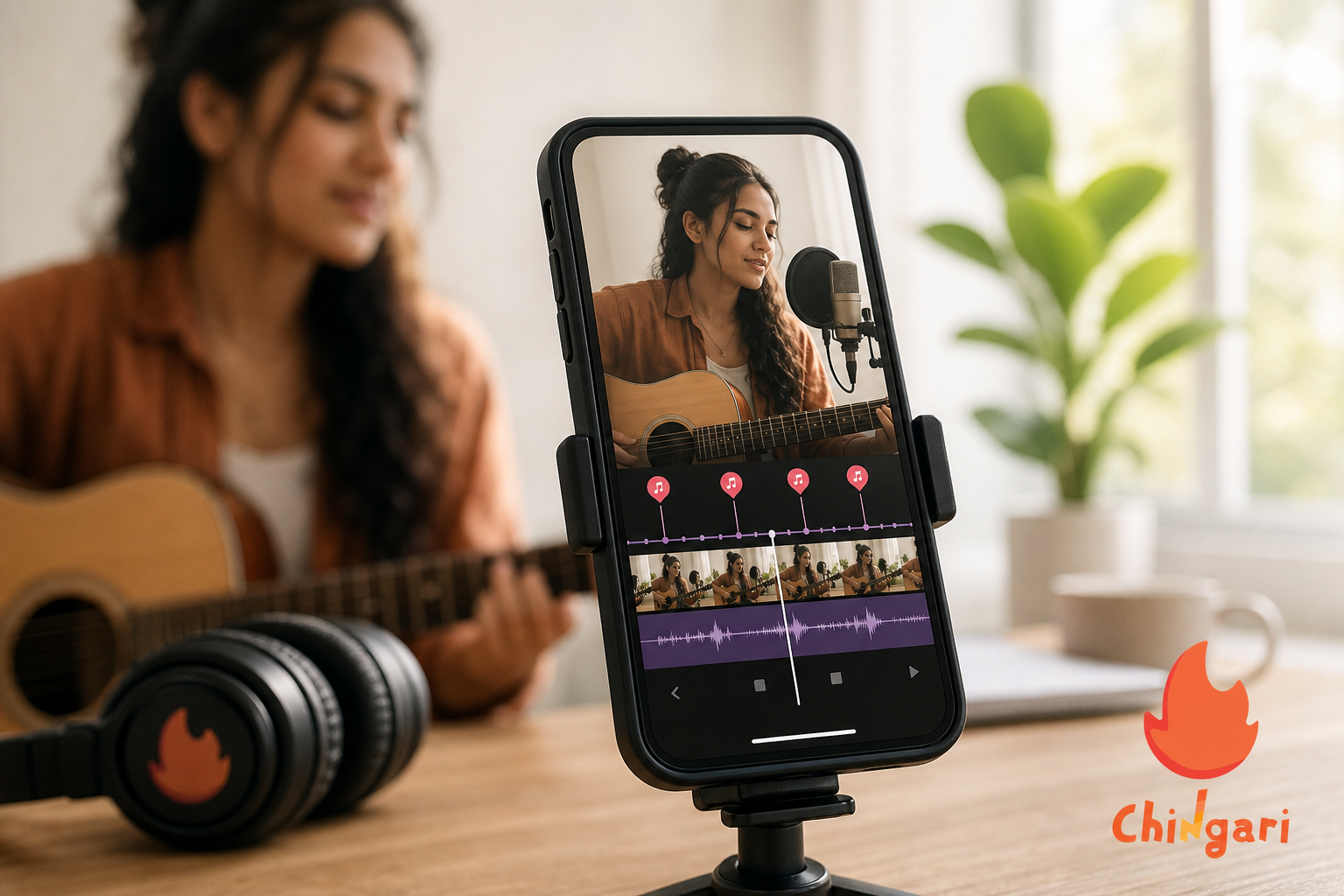
Create a reusable song‑structure template with markers for Verse, Pre‑Chorus, Chorus, and Bridge to speed up beat‑aligned cuts on every project. Duplicate tracks when testing processing. Keep one dry vocal and one processed so you can A/B quickly and commit only when the difference adds clarity or energy. When you’re ready to distribute, export a high‑bitrate master, then generate resized variants (9:16, 1:1). That way you can post across apps without re‑editing or risking soft, auto‑cropped frames.
Motion presets save time and keep your look consistent across a series. Build a small bank that includes subtle 2–3% push‑ins for verses. Add slightly stronger 5–8% moves for choruses. Use a fast 12% snap on drum fills or transitions to punctuate musical moments.
To glue multi‑angle performance cuts, add a “room feel” layer at very low level. Crowd murmur, reverb tails, or stage ambience can help hard cuts feel intentional rather than abrupt. Name your presets clearly so future projects load fast and you avoid guesswork.
Trust Signals That Matter for Musicians Choosing Tools
Musicians need more than features, they need confidence that their work and time are safe. Transparent practices and public recognition reduce risk when you are on a deadline.
- Social proof (Chingari): 50 million+ users, 1.6 billion views, and 1.3 crore Play Store downloads indicate real distribution potential once you post.
- Authority (Chingari): Recognized as India’s #1 Social Networking App.
- Security (Chingari): Highlights data protection and security measures as you post, go live, and chat with fans.
- Risk reversal (Both): Chingari is free to download and use; InShot offers a free tier you can try before upgrading to Pro.
- Trial‑friendly workflow (Both): You can test with a 30‑second clip this week and judge results before investing more time.
These signals reduce the risk of investing your limited studio time in the wrong place. That is especially true when you need to publish consistently in 2026. A single missed release window can slow momentum for weeks, so every safeguard helps.
Quick-glance trust signals (from this guide)
| Category | Evidence cited here | Why it matters to musicians |
|---|---|---|
| Social proof | 50M+ users, 1.6B views, 1.3 crore Play Store downloads (Chingari) | Increases odds your clips are discovered after posting |
| Authority | Recognized as India’s #1 Social Networking App (Chingari) | Suggests platform stability and prominence in-market |
| Security | Data protection and security measures highlighted (Chingari) | Added confidence when going Live and engaging with fans |
| Risk reversal | Free to download/use (Chingari) and free tier (InShot) | Try workflows without upfront cost before committing time |
Key takeaway: you can test both tools this week with zero upfront spend, keep your masters local, and double down only after you see results.
Also Read!
Feature-by-Feature Comparison: Effects, Music Library, Sharing, and Live Performance
Both tools help you post music clips, but they solve different problems. Here’s how they stack across five dimensions that matter to performers. Effects quality, music and audio tools, audience reach, live features, and ease of use on stage days all play a role. The right blend depends on your immediate goal and your release cadence.
First, effects quality pairs directly with edit precision, and InShot wins here. You can chain filters, add transitions, and keyframe motion to land on the beat. That combination gives a cut that feels locked to the groove.
Chingari keeps effects simple so you can post fast. It won’t match a dedicated editor for complex looks or multi‑step motion design. That is by design to keep creation lightweight on mobile.
Edit depth vs distribution momentum
Second, consider music and audio tools alongside distribution momentum. For editing depth, InShot again takes the lead with a timeline that makes lip‑sync and beat snaps easier. It also provides royalty‑free tracks for teasers. Chingari’s strength is discovery and trend‑based sound culture once your clip is out, so the right pick depends on whether you value edit control or in‑app momentum at that moment. In many cases you will want both in sequence.
- Quick chooser:
- Need to align harmonies, chop B‑roll, and animate lyrics? Start in InShot.
- Need to ride a sound trend, test a hook live, or gather comments fast? Post to Chingari.
- Have 20 minutes before doors open? Cut a lean version in InShot and let Chingari carry it.
Third and fourth, look at audience reach and live features together because they compound. Chingari’s numbers speak loudly. 6 billion views. The app’s short‑video sharing is woven into the feed with Live video streaming and Live audio rooms on tap.
InShot has no audience and no live tools. You’ll export and post elsewhere to be seen and to interact in real time. That extra step is fine if polish is the priority.
Think of InShot as your control room, and Chingari as your stage. Prepare with precision, then perform where fans gather.
Fifth, ease of use for performers is about day‑of friction more than features on paper. On a gig day, fast matters. Chingari lets you record, trim, and share in minutes, then engage fans right away. InShot takes longer to polish a cut, but it gives you pro‑leaning control when you have time to craft.
Sixth, collaboration flow differs. InShot’s timeline makes duet splits, lyric captions, and B‑roll layering straightforward pre‑export. Chingari’s duet culture happens after posting via stitch, remix, and reply to spark conversations. Both paths can work together in a weekly cycle.
| Category | Winner | Why it matters for musicians |
|---|---|---|
| Effects quality | InShot | Keyframes, transitions, and speed control nail on‑beat edits |
| Music/audio tools | InShot | Strong timeline for lip‑sync and timing; royalty‑free tracks for teasers |
| Audience reach | Chingari | 50 million+ users and 1.6 billion views drive discovery |
| Live features | Chingari | Live video and Live audio rooms for sets and Q&As |
| Ease of use for performers | Tie | Chingari is faster to post; InShot is better to refine |
 , Music/Audio Tools (InShot higher), Audience Reach (Chingari higher with 50M+ label), Live Features (Chingari higher with live icons), Ease of Use (balanced))
Put simply, if you need video editing with effects and music that hits precise cues, InShot wins on the timeline. If you need people to hear your hook tonight, Chingari’s feed and live tools win on distribution. Use each where it shines and your output quality will jump.
Pro tip for lip‑sync across both apps
Count in “1‑2‑3‑4” and clap once on “1” at the start of each take. InShot users should align the clap spike to frame 0. Ripple cuts from there for frame‑accurate timing across a performance.
If you capture inside Chingari, place vocals right after the clap so drift is minimized on shorter clips. Verify sync again at the outro before you post. A final 10‑second lip check prevents awkward comments about timing.
On-stage capture and off-stage polish
On‑stage, keep clips short (7–15 seconds) and favor a tight shot of the vocalist or the instrument lead so micro‑expressions read on small screens. Capture a few quick reaction shots. Hands in the air, a head‑nod from the drummer, or an audience cheer all become cutaways that reset viewer attention without derailing the performance. Short takes reduce drift risk and export time. That makes it easier to post between sets and stay in the algorithm’s good graces.
Off‑stage, assemble A/B versions in InShot with slightly different pacing or text treatments and pick the one that holds attention longest. Post the winner to Chingari, then follow up with a Live to discuss songwriting, arrangement choices, or the gear chain you used on the take. That pairing of polish plus conversation turns a single clip into a micro‑campaign that can run for days. Add a pinned comment linking to your next show or your latest single to convert interest while it is hot.
- Micro-campaign roadmap you can reuse:
- Day 1: Post the polished clip; pin a comment with show/date links.
- Day 2: Go Live for 15 minutes to unpack lyrics and answer two fan questions.
- Day 3: Post a behind‑the‑scenes cutaway or rehearsal blooper as a light reset.
- Day 4–5: Reply to top comments with short stitched riffs or harmony ideas.
Also Read!
Chingari vs Clubhouse for College Students: Which Is Better for Live Audio Rooms?
Pricing Comparison: Free Tiers, Subscriptions, and Value for Musicians
Chingari is free to download and use. You can post short videos, go live, and build an audience without paying for an editor. As your clips perform, scale can turn into real value through fan reach and interest. Moreover, support for 10+ languages expands who can understand your lyrics and captions without extra tools. That wider comprehension drives more comments and shares.
InShot follows a freemium model. You can edit and export for free, but exports may include a watermark or limit certain effects. The Pro tier removes the watermark and unlocks more features. For artists who publish weekly, that upgrade can pay off in polish and speed. Regional pricing and occasional discounts also make Pro accessible if you budget ahead of a release.
Therefore, the real cost isn’t just money. It’s time. Chingari cuts steps by bundling creation and sharing.
InShot adds a step but yields cleaner edits. If you need a clear mid‑path, edit in InShot, then post and go live on Chingari to test your chorus with fans. That simple pipeline raises quality without sacrificing immediacy.
Budgeting advice for 2026
If you release a song every four to six weeks, plan a small monthly budget for InShot Pro so your masters export watermark‑free and you gain access to time‑saving effects. Keep Chingari as your zero‑cost distribution engine and the place where your community forms around those polished edits. Also, factor in storage. High‑bitrate masters eat space quickly, so offload completed projects to cloud or an external drive after posting to keep your phone fast on show days.
Time is a resource, too. Block your week with one batch‑edit day in InShot. Add three short posting windows in Chingari to catch different audience cohorts. Schedule one Live session to test a new hook.
- Line items to budget lightly each month:
- InShot Pro subscription (if you post weekly or need watermark‑free exports).
- 100–200 GB of cloud storage for mezzanine files and project backups.
- A spare USB‑C/Lightning microphone or TRRS adapter as a redundancy.
- A compact tripod/phone clamp replacement fund for wear‑and‑tear.
Maintain a rolling B‑roll bin labeled by vibe, crowd, studio, and travel, so you can assemble thematic reels without new shoots. That prep reduces friction when you’ve got a tight turnaround between rehearsal and the next upload. It also protects creative energy for writing and arranging.
Download on Android Free Today → if you shoot multi‑cam or need color grading beyond what phones can do. The install is quick, and your first post can be live in minutes. Pair it with your InShot export to see a complete loop from edit to audience on day one.
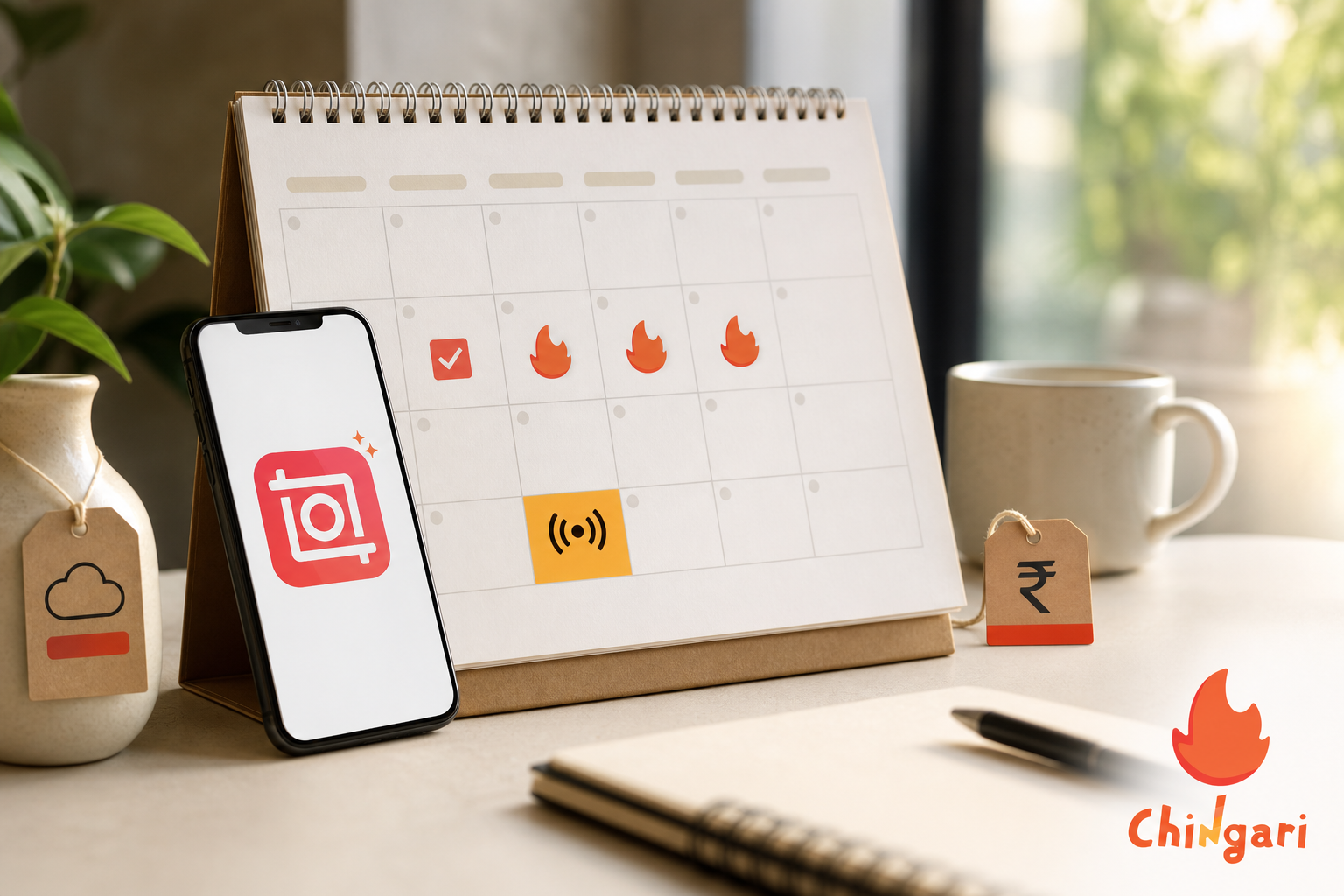
If your goal is video editing with effects and music that both looks sharp and gets heard, pairing these tools is hard to beat. Edit tight. Post fast. Go live. Repeat weekly and measure what moves listeners to save, comment, and share.
Phone‑first polish for musicians
** Naturalistic sound is your anchor. Keep a −10 to −6 dBFS target on your final master to avoid crushed dynamics on mobile speakers and to survive platform loudness normalization without pumping. Use subtle camera motion.
If you’re faking a dolly, confine virtual push‑ins to 3–8% over two to four seconds so they read as intentional rather than jittery on handheld clips. A whisper of film grain and a touch of halation on stage lights can tie multiple phone angles into a cohesive look by obscuring tiny sensor differences. Lock exposure and white balance to prevent color shifts that break continuity mid‑phrase.
Finally, protect your deliverables the way you protect stems. Render a clean master and a captions‑burned version. The burned variant ensures legibility on platforms that compress overlays or where viewers enable reduced‑motion settings. Save a high‑bitrate mezzanine file you can repurpose for future edits.
Archive project files alongside exported captions so you can update lyrics if you revise a verse later without rebuilding from scratch. These touches elevate the perceived quality of your video editing with effects and music without overwhelming the performance. They also make remixes and reposts faster when a trend takes off.
Advanced sync tricks
- If you’re cutting multiple takes, keep one “anchor” take at full length beneath your timeline as a timing reference; slice alternatives above it.
- Align snare hits or consonant plosives (p, t, k) to visual cuts to make transitions feel musical even in silent autoplay.
- For performance duos, record a single hand clap together on camera, then align that transient across clips before fine‑tuning lip movement.
- When dealing with crowd noise, tuck a consistent ambience loop under the entire edit to mask micro timing seams between angles.
- Add two or three animated caption keywords timed to downbeats to reinforce hooks when audio is off.
FAQ: Chingari vs InShot for Musicians in 2026
-
Which is better for fast posting on show days?
-
Chingari. Capture, trim, post, and go Live—all in one place.
-
Which is better for complex edits and precise lip‑sync?
-
InShot. Its timeline, keyframes, and speed controls help land on exact beats.
-
Do I need both?
-
Many artists use both: edit in InShot for polish, publish on Chingari for reach and Live community.
-
Can I rely on Chingari for non‑English audiences?
-
Yes. It’s available in 10+ languages, and multilingual captions help your lyrics travel further.
-
Is there any security consideration?
-
Chingari highlights data protection and security measures, which is reassuring when you’re posting frequently and engaging in Live features.
-
What about cost?
-
Chingari is free to download and use. InShot has a free tier; upgrade to remove watermarks and unlock more effects if you publish often.
-
How do I avoid audio drift on longer clips?
-
Keep takes short where possible, create a clear clap spike at the start, and verify sync at mid‑song and outro before exporting.
-
Should I shoot in 24, 30, or 60 fps?
-
Match your song’s feel and posting destination. 24 fps can feel cinematic; 30 fps is a safe default for social; 60 fps is crisp for fast performance cuts and slow‑mo options.
-
Can I edit offline while traveling?
-
Yes for InShot, because it is a local editor. You can cut on a plane, export, and post later to Chingari when you regain a connection.
-
What about covers and licensed music?
-
Use royalty‑free tracks for teasers in InShot or perform original material. When posting covers on Chingari, follow platform guidance and local laws to avoid takedowns.
-
Will my exports look good on different phones?
-
Export a high‑bitrate master in InShot and preview on your own device. Then post to Chingari and check playback on both Wi‑Fi and cellular to catch compression quirks.
-
How can I make captions more accessible?
-
Use high‑contrast colors, avoid thin scripts, and keep line length short. Burn in essential lines for key hooks so the message lands even with sound off.
Bottom Line: Choose by Goal, Then Combine
- If your top priority is timeline precision and advanced effects, pick InShot for editing.
- If your top priority is instant reach, discovery, and Live interaction, pick Chingari for publishing.
- If you want the best of both worlds in 2026, combine them: InShot for control, Chingari for community. That workflow delivers video editing with effects and music that sounds tight, looks polished, and finds real listeners fast.
 Live Audio Chat Rooms: New Creator Guide 2026
 Video Editing With Effects and Music: 2026 Guide