



**Download the app free today →
Over 30 million people in India watch and share short videos on home‑grown apps. The fastest path to stand out is video editing with effects and music that match local taste and beat‑synced cuts.
The Short Answer
Pick a genre that fits your story, cut on the beat, limit yourself to one or two bold effects, add on‑screen text in your audience’s language, and export vertical at 1080×1920 for 2026 platforms. Do this, and even a 15‑second reel can feel polished and made‑for‑India.
If you post festival reels, lip‑sync skits, or 30‑second food hacks, your music choice sets the mood before your first frame lands.
"Your effects should support that mood, not hijack it."
As a result, you get higher watch time and more replays.
What Makes Video Effects and Music Different for Indian Audiences?
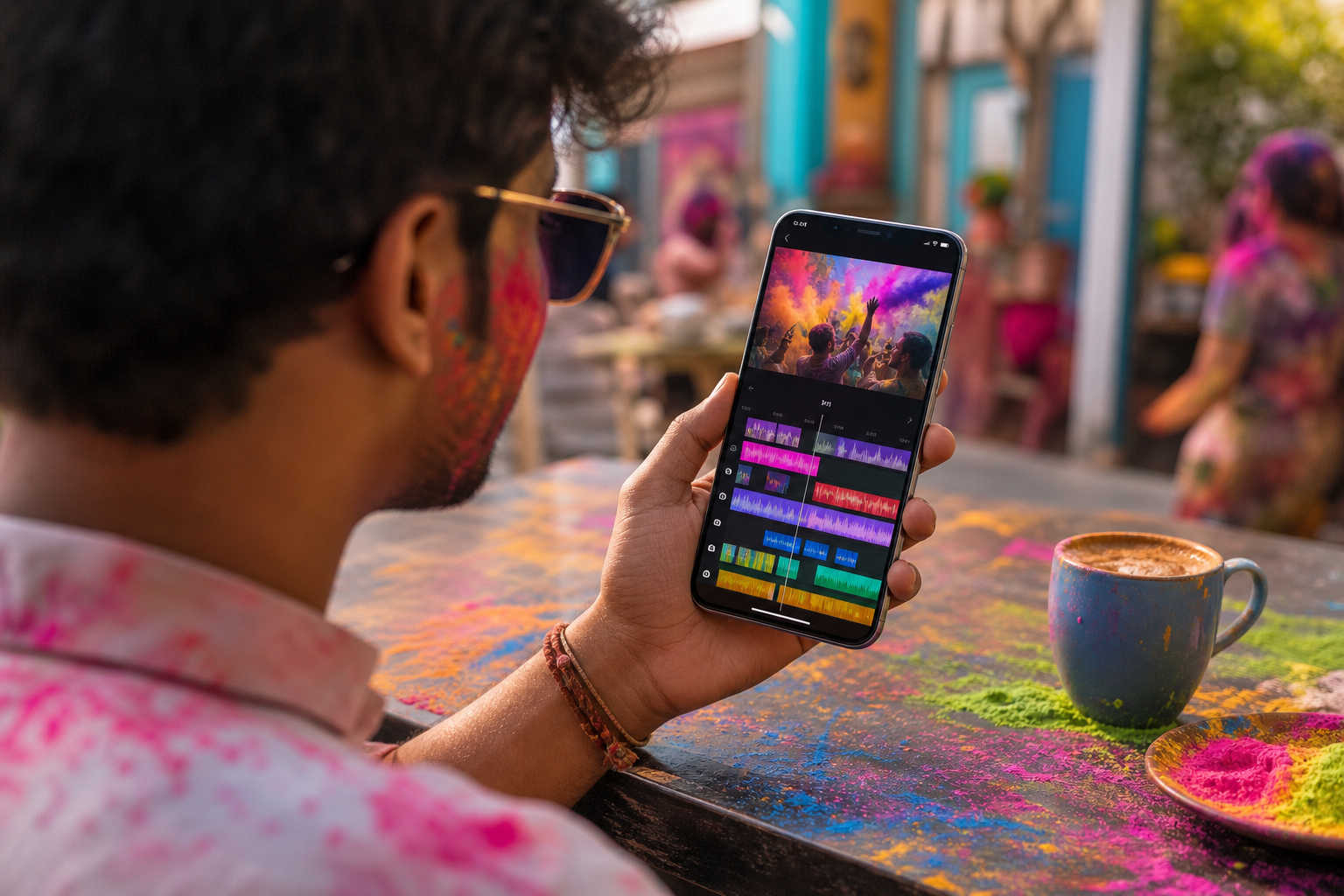
Indian viewers don’t just hear music, they feel it in language, rhythm, and culture. Bollywood hooks, Tollywood mass beats, Punjabi bass drops, and devotional tracks each carry their own visual style. For example, a Punjabi bhangra groove invites snappy cuts and whip‑pan transitions; a Tollywood hero entry suits dramatic zooms and hit‑flashes.
According to Wikipedia on Bollywood, film music has shaped mainstream taste for decades, which is why familiar hooks still pull instant attention.
Regional Genres and Visual Cues
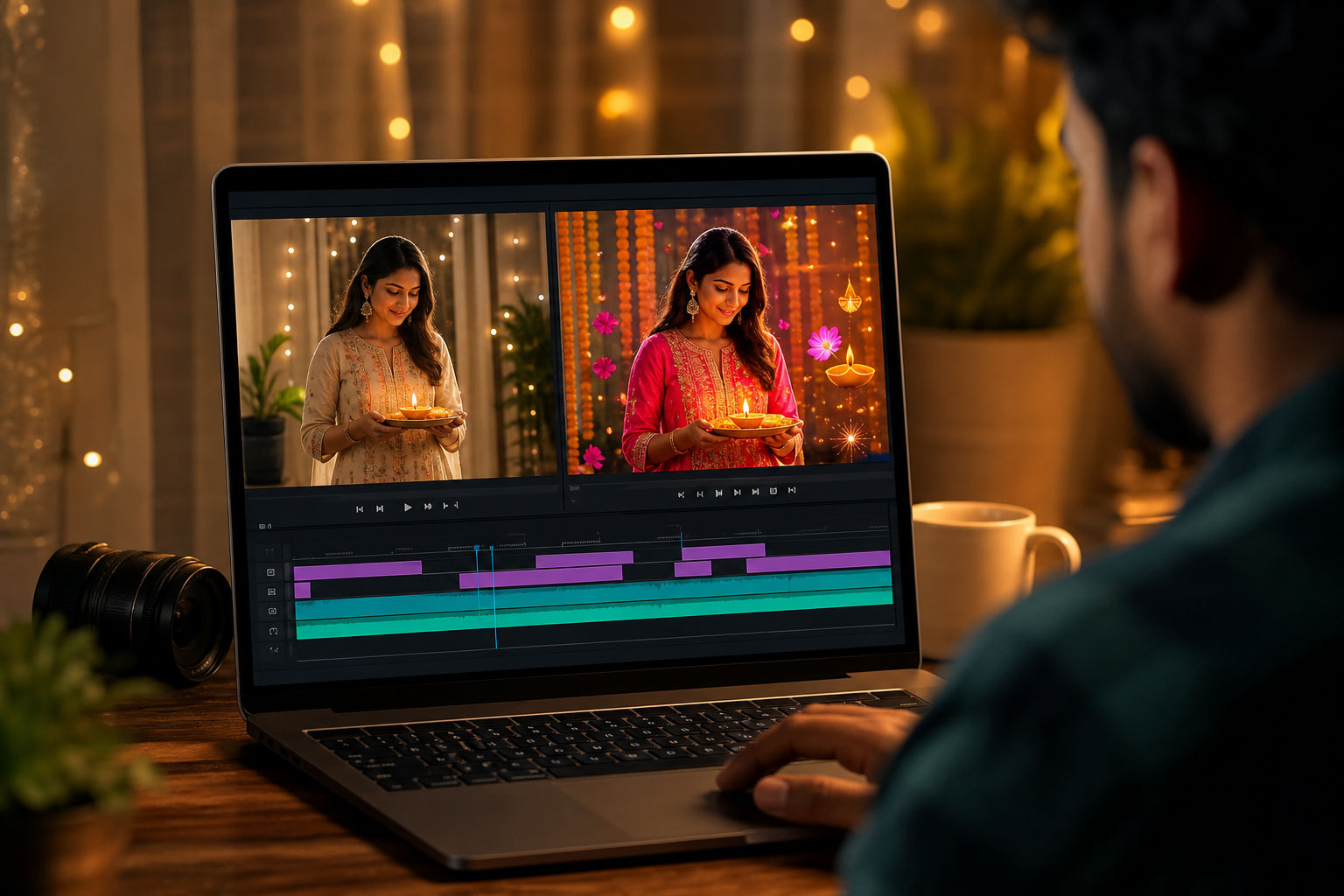
Festival cycles drive sound trends. During Holi, bright color pops, confetti overlays, and fast cuts to upbeat tracks work well. On Diwali, warm glows, bokeh flares, and soft lens leaks pair nicely with devotional or family‑friendly film songs. Furthermore, for Navratri and Ganesh Chaturthi, dhol‑led rhythms favor beat‑matched cuts at 8‑ or 16‑beat marks, with text prompts in Gujarati or Marathi.
Language and Localization
Language matters. India’s audience is proud of its tongues. Hindi, Tamil, Telugu, Bengali, Marathi, Kannada, Malayalam, Punjabi, Odia, Assamese, and more. Therefore, captions, subtitles, and stickers in the viewer’s language lift completion rates. Tools that are available in 10+ languages help you create fast without awkward translation work.
Festival-Driven Style Cues
- Holi: fast jump cuts, speed ramps, powder bursts, neon text.
- Diwali: warm color grade, glow effects, slow push‑ins, gold titles.
- Eid: elegant transitions, clean typography, soft light leaks.
- Pongal/Onam: earthy tones, nature overlays, gentle crossfades.
“Match your effect style to the song’s first five seconds. If the drop says ‘party’, don’t grade it like a prayer.”
Finally, remember the platform’s roots: social networking for India means local taste wins. Use regional tracks and text to signal “this is for you” in the first three seconds.
Step-by-Step: Adding Effects and Music to Your Videos
You already know basic phone editing. This 7‑step flow turns that base into share‑ready cuts. It keeps your timing tight, your effects clean, and your story clear on short video sharing platforms.
The 7-Step Build
- Choose your format and frame
- Pick vertical 9:16 for shorts. Set project to 1080×1920.
- Leave “safe” top/bottom margins for captions and UI elements.
- Select a music genre that fits the mood
- Bollywood romance: warm grade, gentle zooms.
- Tollywood mass beat: hit‑flashes on drops.
- Punjabi party: whip‑pans, fast speed ramps.
- Devotional: soft crossfades, subtle glow.
- Mark the beats before you cut
- Play the track and tap markers on kicks/snares.
- Add cuts on beat 1, transitions on 4 or 8 for stable rhythm.
- Layer effects with purpose
- Pick max two effects: one motion (speed ramp) + one style (light leak).
- Place style effects on sustained notes; hit effects on drops.
- Sync transitions to beats
- Use match‑cuts for hand waves or head turns.
- Time zooms so the peak lands exactly on the beat.
- Add regional text and stickers
- Write hooks in the viewer’s language: “Aaj ka hack”, “Inniku tip”, “Ippudu trend”.
- Keep font readable; contrast text against the background.
- Preview on a phone and export for platform specs
- Watch at 1×, then at 0.5× to catch jitters.
- Export H.264, 1080×1920, 24/30 fps, and keep audio at 48 kHz.
Specifically, this flow keeps your story first and the polish tight. Moreover, it avoids the trap of stacking effects that drown the music. Short video sharing capabilities reward crisp, on‑beat edits, your cuts should “click” with the track.
Quick Beat-Sync Method (60 Seconds)
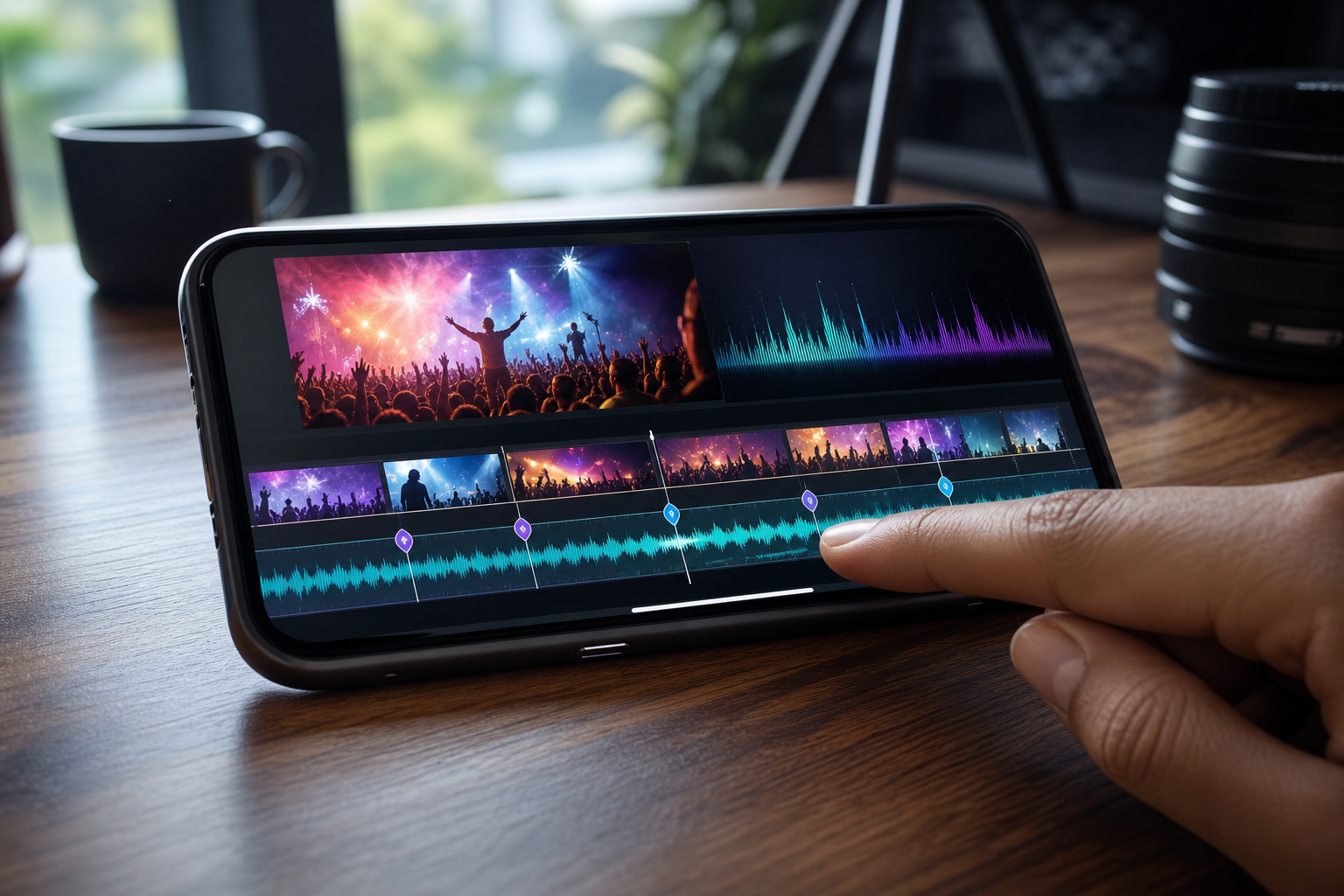
- Trim your best 3–5 clips to 1–2 seconds each.
- Place them on beats 1, 5, 9, 13 for a 16‑beat loop.
- Add one speed ramp into the drop.
- Fade in text in the first bar; fade out on the last.
For more beginner‑friendly builds, bookmark this starter read: video editing effects music for new creators.
Also Read!
5 Mistakes Indian Video Creators Make with Effects and Music
First, using copyrighted film songs without proper rights can get your post muted or taken down.
Bollywood and regional hits are tempting, but you need clear usage. If a platform provides licensed tracks in‑app, stick to those to stay safe.
Second, stacking five filters on a low‑bandwidth upload crushes clarity. On patchy data, heavy effects blur and stutter. Therefore, keep one motion effect and one style layer. Export at modest bitrate so mid‑range phones still play it smooth.
Third, ignoring regional language text loses viewers fast.
If your audience speaks Telugu, a Hindi‑only hook drops relevance. As a result, your watch time dips in the first three seconds. Add localized subtitles and a simple CTA in their language.
Pacing, Mood, and Vertical Framing
Fourth, mismatching music and mood breaks the spell. A devotional clip with aggressive glitch transitions feels off. Likewise, a dance reel with soft fades can feel sleepy. Match pacing and color grade to the track’s energy.
Fifth, forgetting vertical optimization wastes screen space. Horizontal frames with black bars signal “re‑upload”. Crop or reframe for 9:16. Keep faces and hands inside the top‑center “safe zone”.
Pro tip: “Two effects, tight beats, local text. If it doesn’t help the story, cut it.”
Finally, think about privacy. If you source sounds or effects from unknown sites, you risk malware and data leaks. Prefer apps that highlight data protection and security measures so your device, and your audience’s trust, stays intact.
Tools and Resources for Indian Video Editors
You don’t need a studio to ship clean cuts. You need the right set of tracks, a small bag of effects, and an editor you can drive with one hand.
Royalty-Free Indian Music Sources
- YouTube Audio Library: find Indian‑flavored percussion, sitar‑tinged beds, and Bollywood‑inspired tracks.
- Free Music Archive: search by BPM and mood; check licenses for social use.
- Artist packs on SoundCloud and Bandcamp: many indie Indian producers release reels‑friendly stems. Always read the license or get permission.
Free Effects Packs (Use Lightly)
- Light leaks and bokeh overlays for warm, festive looks.
- Hit flashes and impact SFX for beat drops.
- Grain and halation for a retro film vibe.
- LUTs for quick color bases; tweak to taste.
Editors That Work in India
- CapCut: quick beat markers, decent speed ramps, strong text tools.
- InShot: fast trim, simple transitions, clean exports.
- VN Editor: nested timelines, agile keyframes, precise curves.
- Tools like Chingari include built‑in effects and a catalog of trending Indian music, plus short video sharing features, are available in 10+ languages, and focus on data protection and security. With over 30 million users and recognition as India’s #1 Social Networking App, it’s one option if you want your edits to meet viewers where they already scroll.
For a deeper look at app trade‑offs, here’s a handy app comparison. And if you produce music yourself, this 2026 guide for singers and musicians shows how to cut performance clips to beats without losing soul.
What to Do This Week: Your First Polished Video
Let’s turn learning into a reel you can post. This mini‑challenge fits a busy week and helps individuals wanting to showcase their talent ship something they’re proud of.
-
Day 1: Pick a 15–20 second regional track. Choose Punjabi for dance energy, Tamil for mass beats, or a devotional loop for a calm vibe. Save it in your editor’s library so you can test cuts fast.
-
Day 2: Film 4–6 short clips that match the song’s mood. Shoot in vertical 9:16. Keep your subject in the top‑center. Add one motion effect (a small speed ramp) where the beat drops.
-
Day 3: Add one style effect (a gentle light leak or glow) to sustain notes. Write a 2–4 word hook in your audience’s language. Place it in the first two seconds so it reads before the vocals start.
-
Day 4: Cut on the beat at 4‑ and 8‑beat marks. Preview on your phone and on a friend’s phone. Fix any jitter or hard‑to‑read text. Export at 1080×1920, 24 or 30 fps, with clear audio.
-
Day 5: Post on your platform of choice. In 48 hours, check completion rate, comments about language or music, and saves. Note one improvement for your next post.
Keep it simple: one track, two effects, one local hook. Repeat next week with a new festival or genre.
If the edit feels clean and the comments read “song suits the vibe” or “caption hits,” you nailed it. If not, tweak the first three seconds, that’s where you win or lose attention.
Key Takeaways
You now have a simple, repeatable way to ship better shorts in 2026. Save these core points and build your next three posts around them.
-
Match genre to story: choose Bollywood, Tollywood, Punjabi, or devotional based on mood. Then pick effects that lift that mood, not fight it.
-
Cut on beats, not vibes: place cuts on 4s and 8s, land zoom peaks on drops, and keep only two effect types so motion stays clean and readable.
-
Speak the viewer’s language: add hooks and subtitles in Hindi, Tamil, Telugu, Bengali, Marathi, or your audience’s tongue to raise watch time.
-
Keep it vertical and light: frame for 9:16, avoid heavy stacks of filters on slow data, and export clean 1080×1920 with crisp 48 kHz audio.
-
Use trusted tools and tracks: in‑app licensed music reduces takedowns, and platforms with strong data protection help you build trust while you grow.
As you post, write down what works: a tempo range you like, two “go‑to” transitions, and one color grade per genre. Rotate those presets through weekly festival trends and you’ll move faster without losing style.
As a final note, if you want a deep primer on beginner workflows, this walkthrough is a strong bookmark: video editing effects music for new creators.
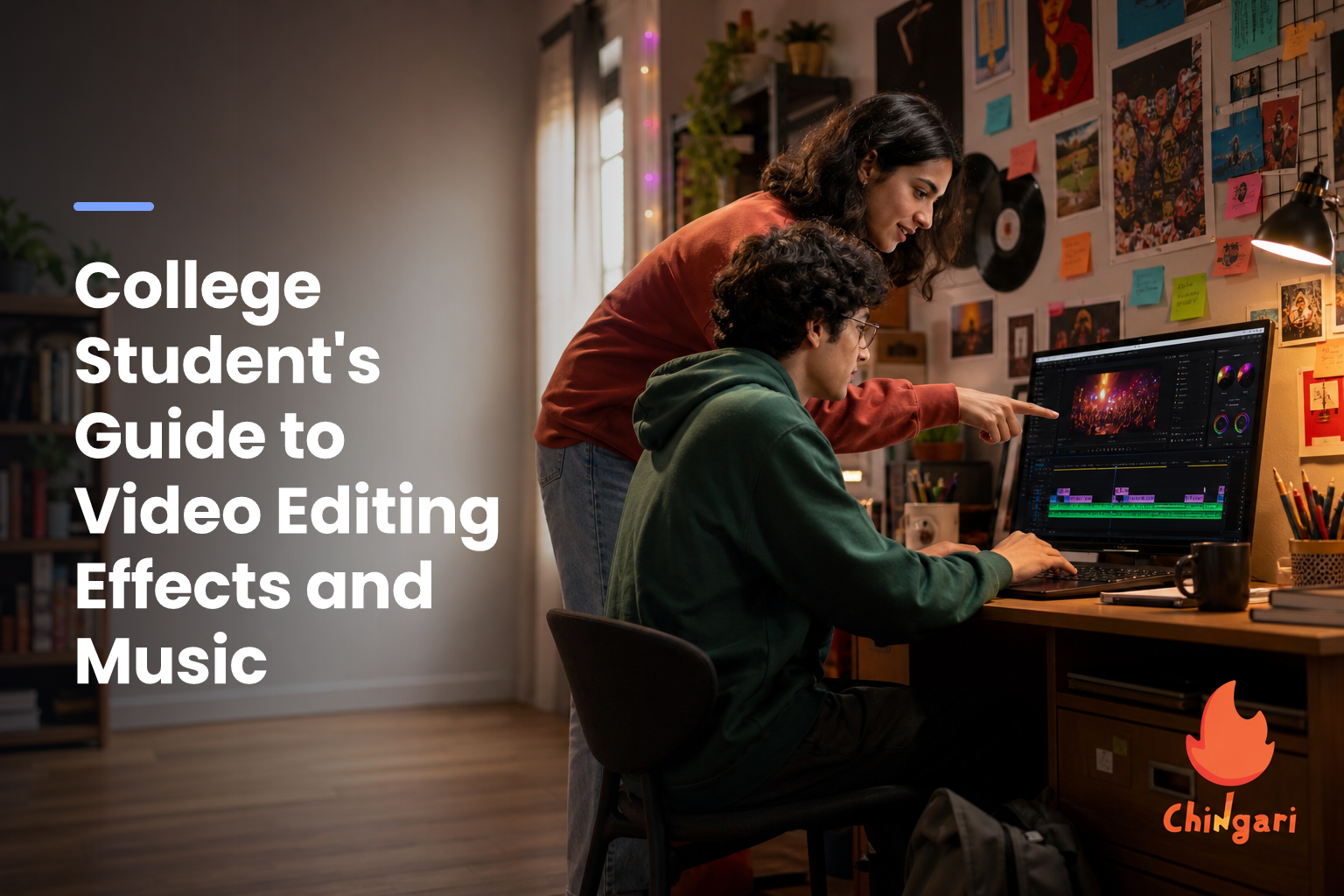 Video Editing with Effects and Music: Student Guide
 College Student