



At 7:58 p.m., I hit Go Live from a noisy dorm desk, and people showed up before my mic even worked. If you’re a college student in 2026, live video streaming is the fastest way to turn what you already do, study, rehearse, perform, teach, into proof of skill and a real community.
Here’s the short answer: go live to build a public portfolio, meet people who care about the same niche, and, if you want, earn money. You don’t need fancy gear. Your phone, a ring light, and free software are plenty. Plus, you can clip your best moments to fuel your socials all week.
This guide is built for tight budgets, odd schedules, and spotty dorm Wi‑Fi. You’ll get a simple setup, a 7‑day launch plan, and smart safety habits. You’ll also see which platforms fit students, from study rooms to talent nights. By the end, you’ll be ready to host a clean first stream and reuse highlights across your channels, without burning your weekend.
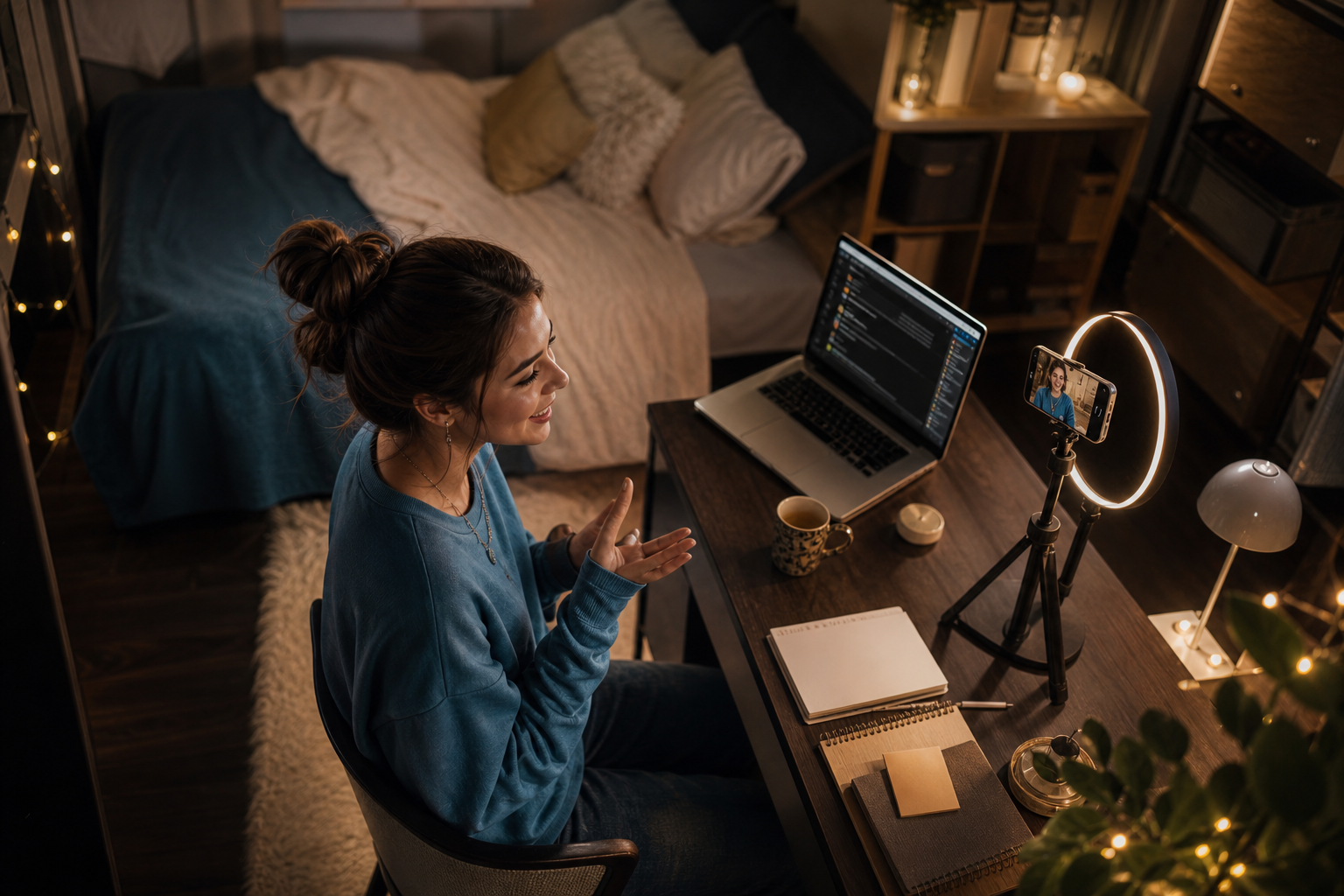
Why Live Streaming Matters for College Students Right Now
You’re already doing work worth watching: late‑night study sprints, lab demos, club debates, open‑mic sets, pickup scrims, even language practice. Going live turns those hours into a public track record. Recruiters and grad schools don’t just read resumes in 2026; they skim portfolios and search your name. A consistent stream history shows skill, grit, and community leadership.
Streaming also shrinks campus. A first‑year can find your econ review, a senior can find your portfolio critique, and alumni can drop advice in chat. On platforms with real reach. Chingari reports 50 million+ users and 1.6 billion views, student creators can meet large, local, or language‑based pockets of fans without paid ads. That scale matters when you need 30 attendees for a club event or 100 votes in a hackathon final.
Money isn’t everything, but it helps. Campus creators earn from tips, memberships, merch, or event bookings you’d never see without live proof. One clean stream can yield 5–10 highlight clips for shorts, which keeps your account active even during midterms. And you’ll learn production skills, framing, sound, chat flow, that transfer to internships and student media jobs.
- Study streams: focus rooms with timers and short Q&A breaks
- Campus events: club fairs, esports matches, speaker series
- Talent showcases: acoustic sets, freestyle nights, dance rehearsals
- Club meetings: officer updates, brainstorming sessions, “teach a skill” nights
As a student, you don’t need to be “famous.” You need proof and people. Live video streaming gives you both, starting this week.
Also Read!
How to Add Effects and Music to Your Videos as an Indian Creator
How to Start Live Streaming as a College Student: Step-by-Step
Before we touch gear, set a clear purpose. It guides your title, layout, and how you talk to chat. With that locked in, you can spin up a clean first stream in a day.
1.
Decide what you’ll do for 45–90 minutes. Examples: “Study sprint for CHEM 203,” “Beginner guitar drills,” “FIFA scrims with dorm A2,” or “Club budget Q&A.” Write one outcome: “By the end, viewers know the top 10 reactions,” or “We’ll each add 300 words to our draft.” That keeps chat focused and helps your replays get found.
2.
If you want built‑in discovery for short clips plus live, pick a social app with both. If you need long replays, choose a video site. For casual audiences, consider vertical live on a phone‑first app. For a detailed primer, skim this starter guide for new creators. Keep signup simple; you can multi‑stream later.
3.
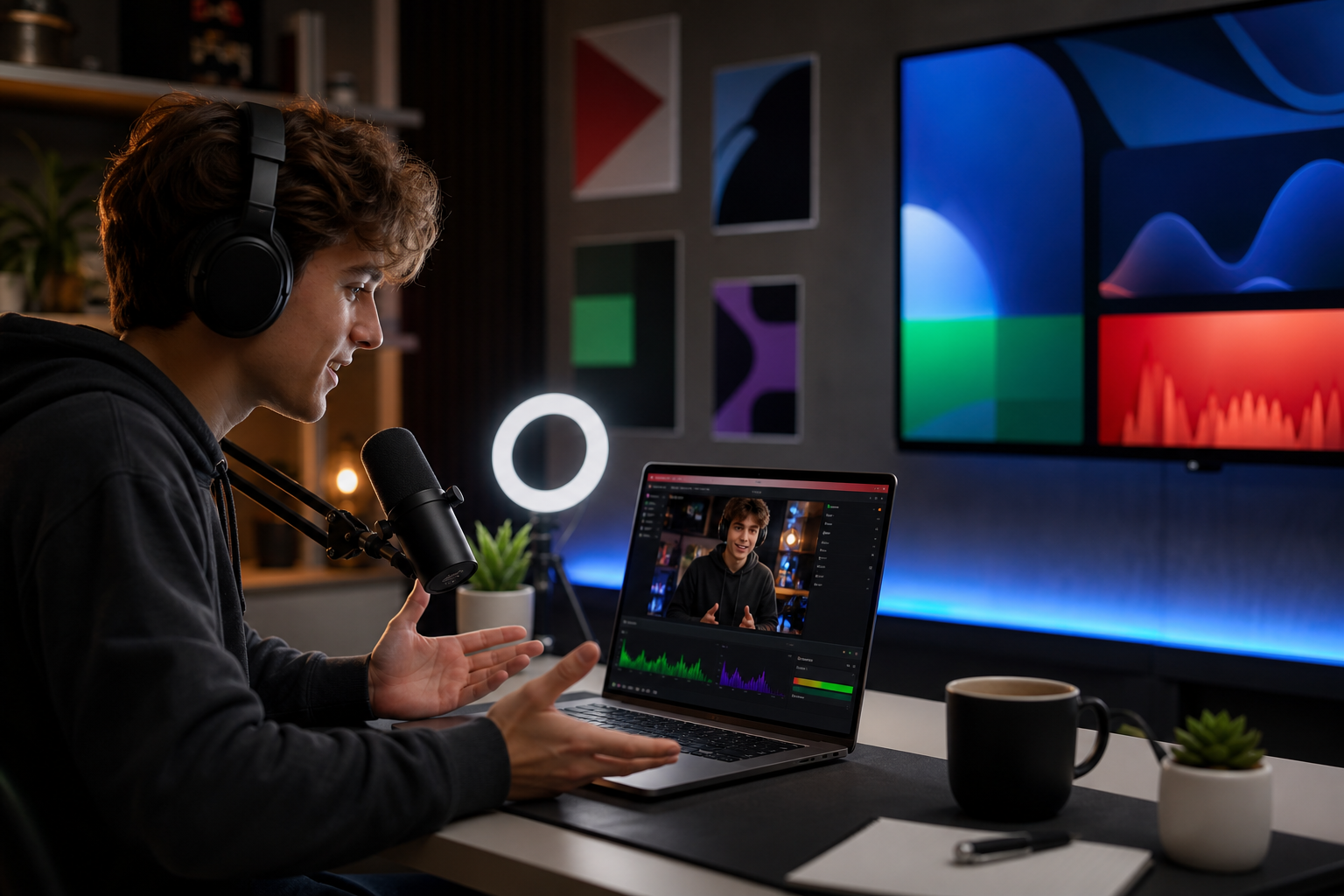
- Phone: Rear camera, 1080p, 30 fps. Clean your lens.
- Light: A $15 ring light, or face a window.
- Audio: Wired earbuds with mic beat laptop mics in noisy rooms.
- Software: OBS Studio is free and works on Mac/Windows.
It lets you add a timer, overlays, and scenes. Place the phone near eye level. Put the light at 45 degrees to avoid glare. Do a 10‑second hand clap to sync audio later for clips.
4.
Create an unlisted or private test. Check volume so your voice peaks around –10 dB in OBS. On phone, record a 30‑second test and play it back on another device. Fix echo by muting your laptop speakers and using headphones.
5.
Post a time and a one‑line promise. Example: “Sunday 8 p.m., finish problem set 4 together, with timestamps.” Add a thumbnail with your face and 3 bold words. Share the link in your class group, club Discord, or dorm floor chat.
A calendar invite works wonders.
6.
Greet early viewers by name. Ask easy, closed questions early (“Mac or PC?”) to warm up. Repeat your plan every 15 minutes for new viewers. Use a timer for study sprints and say what’s next at the end of each block.
7.
Mark timestamps while live. After, trim 3–5 short clips: a clear tip, a funny moment, a mini‑solo, or the final result. Post across your platforms with the same hook line. Link the full replay in the first comment.
Dorm Wi‑Fi tips that save your first stream
- Use 720p if your upload is under 5 Mbps.
- Plug in via Ethernet if your dorm jack works.
- Keep roommates happy: post a “live 8–9 p.m.” note on the door.
“Default to done. A steady weekly stream beats a ‘perfect’ stream that never ships.”
Moreover, if you prefer iPhone and want a phone‑first workflow, you can still add overlays and schedule events. When you’re ready, send highlights to a second channel for replays.
5 Mistakes College Students Make When Going Live
You don’t need to be flawless. You do need to dodge the common traps that make viewers bounce.
Mistake 1: Streaming without a plan
Fix: Write a sticky note with your title, 3 beats, and one call to action. Read it out in minute one. Therefore, new viewers always know why they should stay.
Mistake 2: Ignoring audio quality
Fix: Prioritize sound over pixels. Use wired earbuds or a $20 lav mic. Turn off room AC and close the window. In addition, record a 20‑second test before you go public. Clean voice keeps people longer than any filter.
Mistake 3: Not promoting beforehand
Fix: Schedule 24 hours out. Post one countdown Story and one text post with time, topic, and link. Furthermore, drop the link in your class or club chat an hour before go‑time. Early notice doubles your chance of hitting five live viewers, which boosts the algo.
Mistake 4: Trying to be perfect instead of consistent
Fix: Pick one weekly slot you can keep even in midterms. For example, “Wednesdays 9 p.m.” Consistency trains friends to show up and gives you 10+ chances to improve, not one shot you keep delaying.
Mistake 5: Neglecting privacy and safety
Fix: Hide campus IDs, schedules, and room numbers. Lock your DMs or set slow mode. On some platforms, turn on keyword filters. Also, keep replays unlisted if the stream includes classmates who didn’t consent. Live video streaming should be fun and safe, build in guardrails first.
Also Read!
Best Platforms and Tools for Student Live Streaming
Different platforms shine for different goals. Pick the one that fits your audience, cost comfort, and feature needs. Then stick with it for a month before you add more.
Platform snapshots
-
Twitch
Great for longer sessions and gaming culture. Emotes, raids, and channel points make it social. However, new channels can feel slow to grow outside gaming. -
YouTube Live
Strong for classes, music practice, and searchable replays. Chapters and thumbnails help students rewatch key parts before exams. Monetization paths are clear once you meet thresholds. -
Instagram Live
Fast to spin up with friends who already follow you. Good for short drops, collabs, and Q&As. Discoverability beyond your circle can be hit or miss. -
TikTok Live
Phone‑first, casual vibe, and high idle scroll traffic. Short, punchy segments work well. Moderation tools have improved, but manage comments early.
Production and regional tools
-
OBS Studio (free software)
Use it to produce scenes, overlays, and desktop capture, then go live to your chosen platform. It’s free, open source, and runs on common laptops. Pair with a cheap USB capture card if you add a camera. -
Tools like Chingari
If you’re in India or want multilingual reach, tools like Chingari combine live video streaming with short video sharing. It’s recognized as India’s #1 Social Networking App, available in 10+ languages, and focuses on data protection and security. Social proof includes 50 million+ users, 1.6 billion views, and 1.3 crore Play Store downloads. Those signals matter if you care about audience size and safety.
For low‑latency calls or co‑hosts, learn the basics of modern real‑time tech. The MDN WebRTC overview explains how browsers connect for live audio/video without plugins.
Free gear alternatives that work now
- Tripod: Stack books and use a phone clamp
- Light: Face a window; use a white Google Doc as a screen fill
- Mic: Wired earbuds, held near your collar
- Backdrop: A clean corner, not your bed
Moreover, if you want a deeper platform breakdown, this platform comparison for beginners shows how short‑form and live fit together for new creators. And if you’re starting from zero, bookmark this beginner’s kickoff plan.
Key Takeaways
- Start small: a phone, a ring light, and free OBS are enough for week one.
- Plan one clear outcome per stream, say it out loud, and repeat it for new viewers.
- Prioritize audio; people forgive 720p, not muffled sound.
- Schedule and promote 24 hours ahead; consistency beats perfection.
- Save replays and clip highlights to keep your channel active between lives.
What to Do This Week to Launch Your First Stream
Here’s a 7‑day plan that respects classes, labs, and part‑time shifts. Adjust times, not the order.
-
Day 1 — Pick your topic and promise
Choose a niche and one concrete outcome. Draft your title and description. Write your intro script: name, plan, and call to action in 20 seconds. Mention 2026 if your content is time‑sensitive (e.g., “Fall 2026 exam prep”). -
Day 2 — Download software and set scenes
Install OBS Studio. Add your phone cam (or laptop cam), mic, and a timer. Create two scenes: “Main” and “Break.” Add text overlays: your name and the topic. Test audio levels. -
Day 3 — Do a private test run
Stream unlisted. Talk for two minutes. Switch scenes. Check replay for volume and framing. Note 3 fixes. As a result, you’ll remove surprises on the real night. -
Day 4 — Prep assets and safety
Design a thumbnail with your face and 3‑word hook. Set chat filters and slow mode. Write 3 pin‑ready messages: the plan, resource links, and how to join the next stream.
Midweek check-in
-
Day 5 — Schedule and promote
Create a public event for the weekend. Post a story with the time and hook. Share to your class or club channels. Therefore, your friends can plan to show up live. -
Day 6 — Rehearse the first 60 seconds
Practice your opener twice. Line up water, notes, and a break timer. Load one background track if your platform allows it. Furthermore, DM two friends to say hi in the first minute so chat warms up. -
Day 7 — Go live
Start on time. Greet by name. Hit your three beats. End with a clear next step and ask for one clip idea. After, trim 3–5 highlights and post them. Track one metric: watch time or chat messages. Do it again next week.
Quick recap: plan, test, schedule, engage, clip. That’s the loop.
Live video streaming rewards the students who show up on a schedule and ship. Keep it simple, protect your privacy, and stack small wins.
 Video Editing With Effects and Music — India