



Your loudest applause in 2026 won’t come from a venue. It will come from live video streaming that puts you in front of fans anywhere, on any phone. Here’s the short answer to “should I stream?”, yes. You’ll reach more listeners, build real fan connection, and open new income paths without needing a truck of gear.
I’ve messed up on air with crackling cables, echo loops, and a webcam pointed at my ceiling. I’ve also had 30 minutes turn into a 2-hour request set because chat wouldn’t let me stop.
You don’t need perfection to start. You need a simple plan, a sound that’s clean and in sync, and a place people already hang out.
By the end, you’ll have a tested setup, a schedule, and a one-week plan to go live. And because this is the 2026 reality, I’ll show you tools that keep the tech load light so you can stay focused on the music.
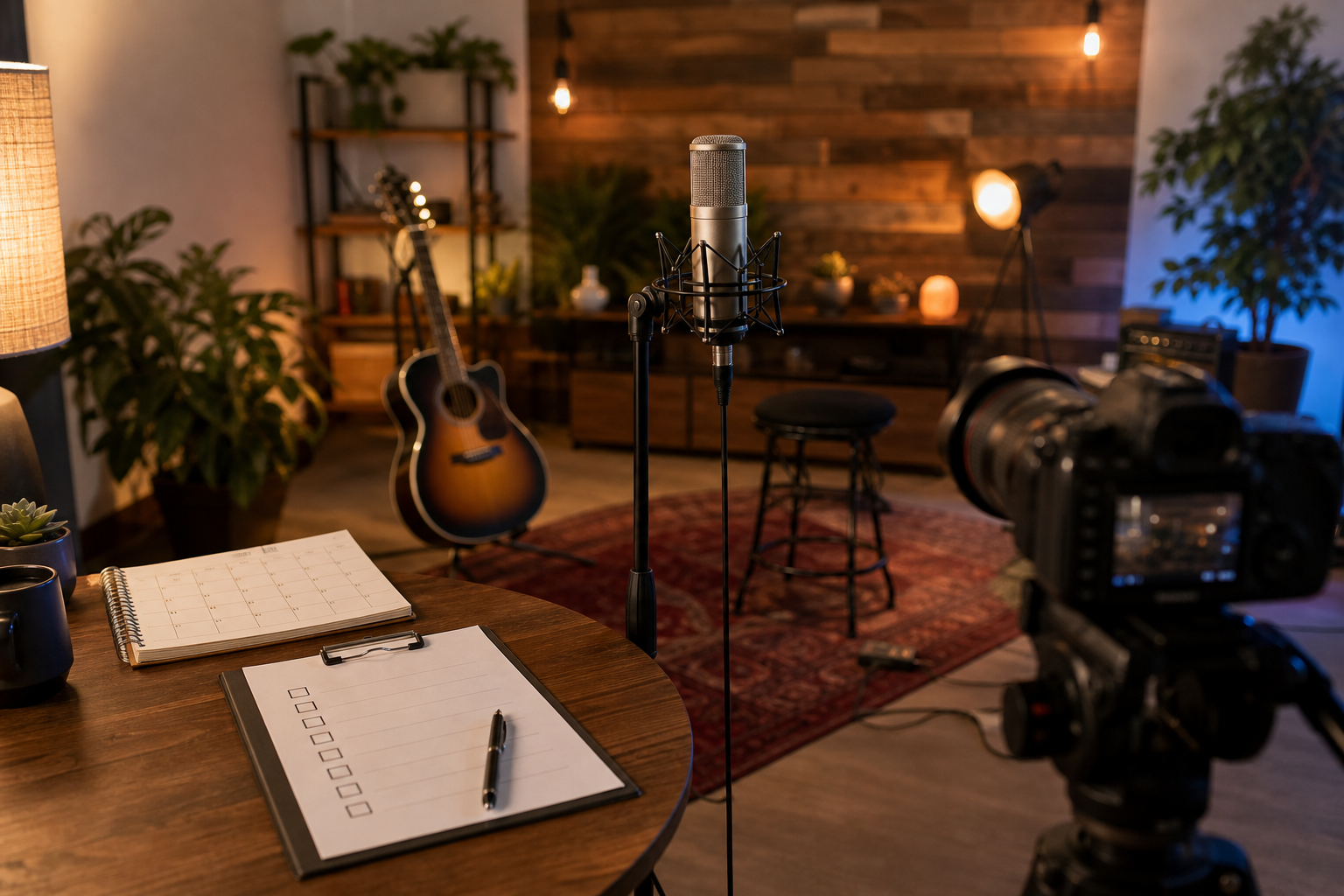
 , laptop running OBS, DSLR on tripod, softbox lights, tidy cables, and a phone on a stand showing live chat overlay; warm evening tones)
Why Live Streaming Matters for Musicians and Singers in 2026
Live shows still rule. But streaming adds reach you can’t match with gigs alone. You can play for someone on the metro, in a dorm, or at a late shift, and be in their pocket by nightfall. According to Wikipedia’s overview of live streaming, creators broadcast media in real time to viewers across the world, no post-production needed. That direct path is why music streams keep growing in 2026.
Here’s what makes it worth your time:
- Live streaming is worth your time because it expands reach, deepens connection, and opens income paths.
- A single stream can gather fans from five cities you’ve never toured.
- Chat lets people request songs, tip, and share where your music lands in their life.
- Tips, subs, merch drops, and private requests stack up over time.
Scale and Accessibility
For proof of scale, look at social platforms built for short and live formats. One India-based app reports 50 million+ users, 1.6 billion views, and 1.3 crore Play Store downloads. That’s a live audience that fits music discovery and quick follow actions in one place. In addition, being available in 10+ languages means you’re not blocked by a single market or tongue. As a result, you can sing in Hindi at noon and try a Tamil cover at night.
Moreover, the barrier to entry is low. You can stream a solid set with a phone, a clip-on light, and a decent mic. Later, you can add an audio interface and a softbox to lift your sound and look. Therefore, you don’t need to wait for a studio-perfect room. You can start this week and improve live, with fans along for the ride.
“Authentic beats perfect. Fans want to hang out while you make the take.” — a lesson live streaming taught me the hard way
Step-by-Step: Setting Up Your First Live Music Stream
You don’t need a rack of gear. You do need clean audio, stable video, and a plan to test before showtime. Follow this path.
- Choose a quiet space with good acoustics
- Pick a small room. Hang a thick blanket opposite your mic. Put a rug under you. Turn off fans and AC. Aim for a “dead” sound more than a big reverb.
- Audio setup (XLR mic, audio interface, monitoring)
- Use an XLR mic: Shure SM58 (live feel), Audio-Technica AT2020 (budget condenser), or Rode NT1 (low noise).
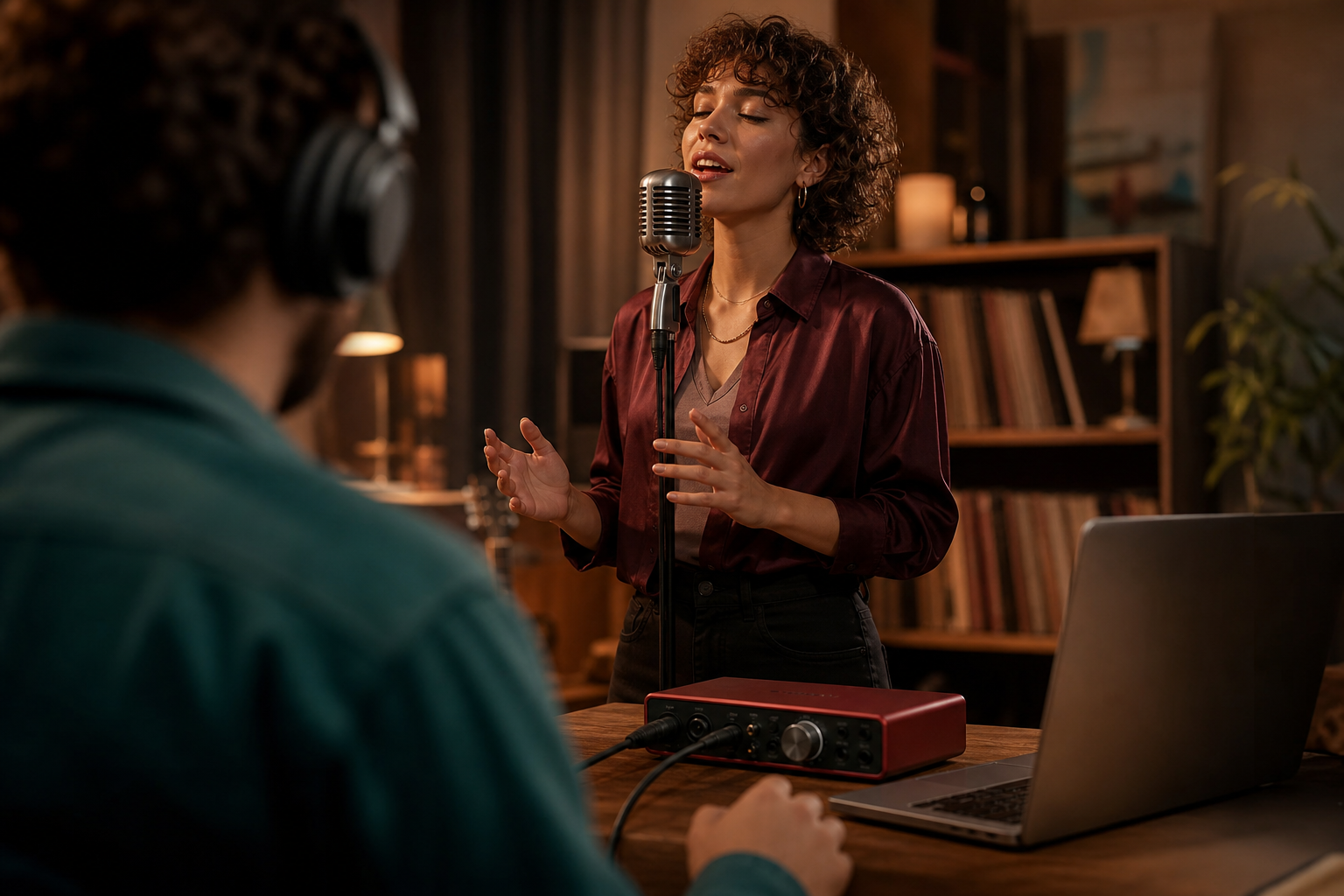
- Plug into an audio interface: Focusrite Scarlett 2i2, SSL 2, or PreSonus Studio 24c.
- Set gain so peaks hit about -12 dB. Use 48 kHz sample rate, 24-bit depth if available.
- Monitor with closed-back headphones; avoid live speakers to stop feedback.
- Camera and lighting basics
- Start with your phone’s rear camera or a Logitech C920 for desktop.
- Upgrade to a Sony ZV-E10 or Canon M50 Mark II for crisp DSLR/APS-C looks.
- Use a soft key light (Elgato Key Light, Neewer 660) at 45° to your face. Add a dim fill on the other side. Kill harsh overhead lights.
- Software/encoder config
- Use OBS Studio (free) or Streamlabs (easy overlays).
- Set resolution to 1080p at 30 fps; bitrate 4500–6000 kbps for video, 160–192 kbps for audio.
- Use x264 encoder on older CPUs; use NVENC/Apple VT if you have GPU/Apple Silicon.
- Add a sync offset if your camera lags behind audio by 120–200 ms.
- Soundcheck and test stream
- Record a 60-second local test. Sing loud and soft. Clap to check sync. – Do an unlisted/private stream.
Ask a friend to listen on a phone speaker and on headphones. – Fix sibilance with a light de-esser. Roll off lows at 80–100 Hz to tame rumble.
- Promote and go live
- Post a 15-second teaser clip the day before and an hour before start.
- Title with your name, genre, and hook: “Indie acoustic night + live requests”.
- Pin a schedule in your bio with your next two dates.
- Engage chat during performance
- Greet new names. Read a few comments between songs. – Use a notepad of go-to requests.
Keep a tip link or platform gifts visible. – Thank by name. Play a “last call” request before you close.
Room Tone and Noise Floor
If you hear hiss, drop your interface gain and move closer to the mic. Aim for 10–15 cm off-axis to cut plosives. Put your phone on airplane mode if it sits near cables.
Also Read!
How to Add Video Editing Effects and Music as a New Creator
How to Find the Best Indian Language Video Content as an Indian User
Common Mistakes Musicians Make When Live Streaming
I’ve made every mistake on this list. You can skip them.
-
Using a phone mic inches from the guitar soundhole. Result: boomy mud and string clacks. Fix: point the mic at the 12th fret or use an XLR mic a forearm’s length away.
-
Ignoring latency and sync. Mouth doesn’t match words? Add a 120–200 ms sync offset to your camera or mic in OBS. Test with claps.
-
Poor lighting that washes your face. Put a soft key at eye height. Turn off cool overhead lights. Warm tones feel like a gig, not a hospital.
-
Treating chat like a distraction. Say hello between songs. Ask where they’re listening from. A two-line reply can turn a lurker into a fan.
-
Streaming at the wrong times. If your crowd is in India, aim for early evening IST. If you’re playing to US college kids, try 8–10 pm ET on weeknights.
-
No pre-show promo. Post a teaser reel with your chorus hook. Share a setlist graphic. Tell people when and where, twice.
-
Chasing studio perfection. Leave the tiny flaws. A missed lyric can be a laugh with chat. Clean beats perfect in live video streaming.
Fixes That Take Minutes
A pop filter and a slight off-axis mic angle immediately cut plosives. Drop gain by 3 dB and dim your key light by 10% to smooth harshness. Move the camera back 30 cm to improve framing and depth. Each tweak buys you clarity fast.
Best Platforms and Tools for Live Streaming Music
Different platforms shape different crowds. Choose one that fits your music and your energy to chat.
Mainstream Platforms
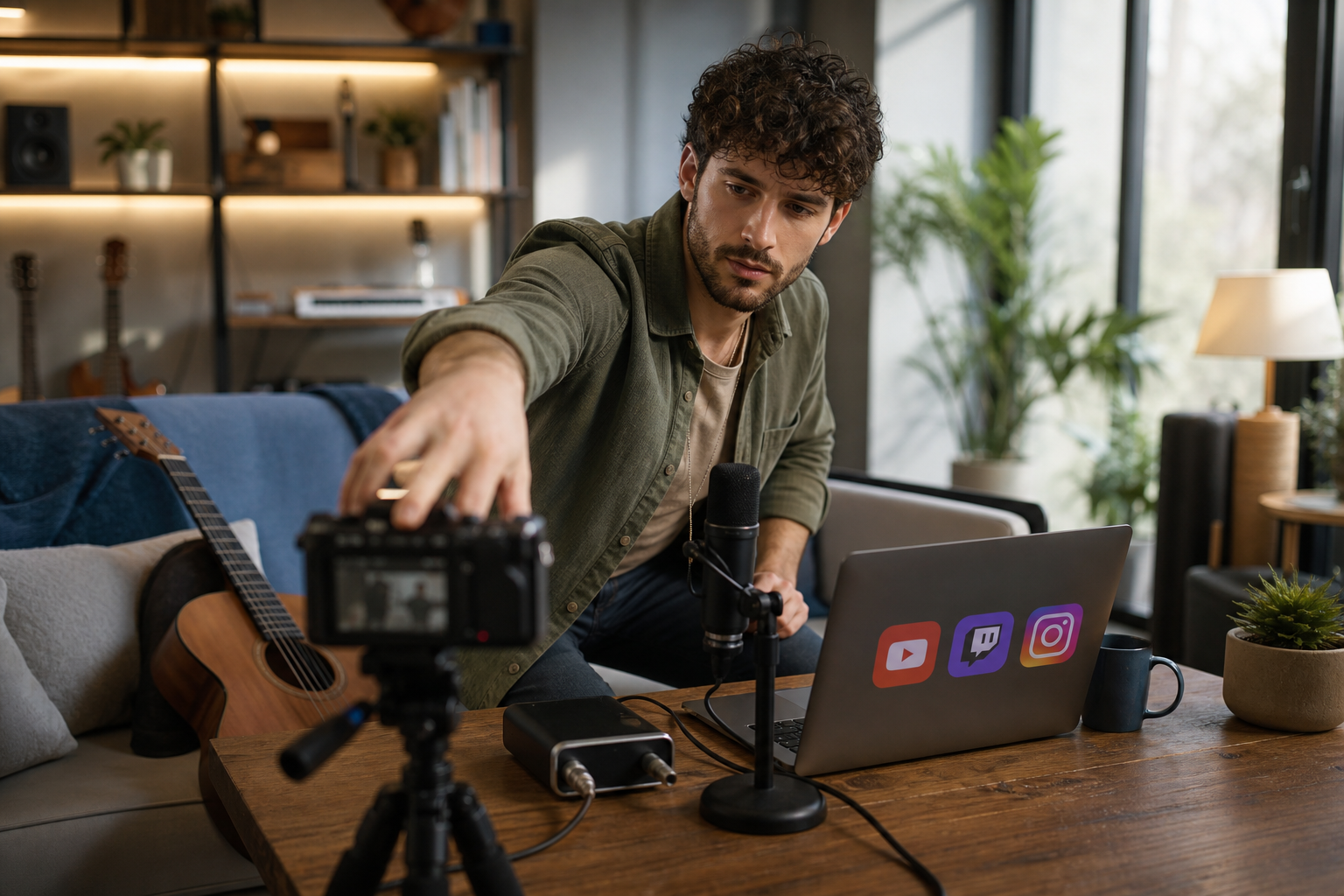
YouTube Live is great for set-and-forget discovery and long-form shows. It saves replays cleanly, so your 45-minute set can keep bringing in views. Twitch leans into community and long hangs; music categories reward schedule and chat banter. Instagram Live is quick to start and ideal for surprise sets, but audio compression can squash dynamics. Facebook Live reaches your existing network, which helps if your fans skew older.
Mobile-first Option
Chingari is one mobile-first option that blends short videos with live stages. It offers live video streaming plus live audio rooms for low-friction hangs, is available in 10+ languages, and reports over 50 million users and 1.6 billion views. That scale, and a focus on data protection and security, matters if you want to reach individuals wanting to showcase their talent across India. It’s built for quick discovery, which helps a chorus hook find new ears between songs.
Audio Gear at Three Budgets
You can think in three simple tiers. Starter means a phone, a clip-on light, an SM58, and a 2-in/2-out interface. Mid steps up to a condenser mic with a pop filter, a softbox pair, and a Logitech C920. Pro lands on a Rode NT1 into a Scarlett 2i2, a Sony ZV-E10, and clean two-point lighting.
Encoders and Scenes
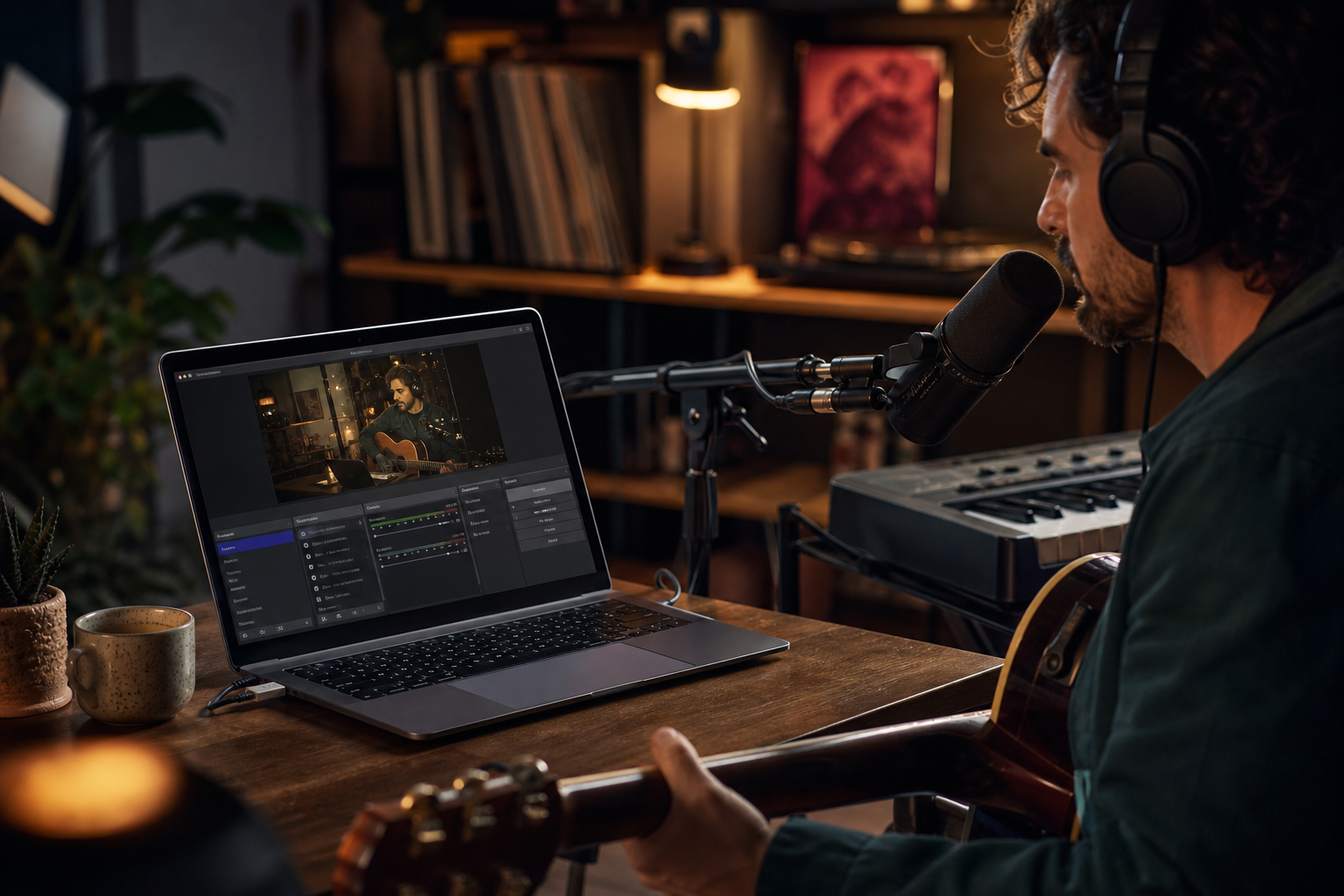
OBS Studio is the standard: scenes for “Performance”, “Chat + Cam”, and “BRB” keep your show tidy. Streamlabs simplifies alerts and chat overlays. Set audio at 48 kHz and video at 1080p/30 for stability.
Mid-show nudge: keep momentum with a clear ask.
If you want more context before choosing, this breakdown for creators helps: read the detailed platform comparison and this hands-on guide for new creators.
What to Do This Week to Start Live Streaming Your Music
You don’t need a perfect plan. You need a small, real plan.
-
Day 1: Audit what you have. Write it down: mic (model), interface, camera/phone, lights, room. Note two gaps you can fix with $0–$50 (e.g., blanket as absorber, lamp with a warm bulb).
-
Day 2: Pick one platform. Create scenes in OBS: “Performance” (full cam + name), “Chat + Cam” (smaller cam + chat box), “BRB” (hold screen + music).
-
Day 3: Do a 10-minute private test stream. Sing a chorus, speak, clap. Check sync, noise, and brightness. Tweak gain to hit -12 dB peaks. Save your scene collection.
-
Day 4: Cut a 15-second teaser from your test. Post it with your time and platform. Add location tags and 2–3 genre tags.
-
Day 5: Schedule your first public stream for a time your target fans are free. If you’re eyeing India, early evening IST works well.
-
Day 6: Write your setlist: 5 songs + 2 backups + 2 “chat breaks”. Prep a notepad of three asks: follow, tip, next stream date.
-
Day 7: Go live. Keep it to 45–60 minutes. End with a “last call” request. Pin your next stream date before you sign off.
For step-by-step checklists, bookmark this starter checklist. It keeps you from skipping the boring but vital stuff like gain staging and titles.
Key Takeaways
Clean audio and steady light matter more than pricey cameras; test privately, fix sync, and keep peaks near -12 dB. Pick one platform and show up at the same time each week. Treat chat as part of the show by planning quick talk beats between songs.
Start now and polish later, your crowd will grow with you.
As you build your routine, remember the trust signals that keep fans comfortable: platforms with clear data protection and security, options available in 10+ languages, and social proof like 50 million+ users and 1.6 billion views show real reach and care for safety. That foundation helps you grow an audience that returns.
 How to Add Video Editing Effects and Music as a New Creator
 Best Video Editing Effects & Music Guide for New Creators