



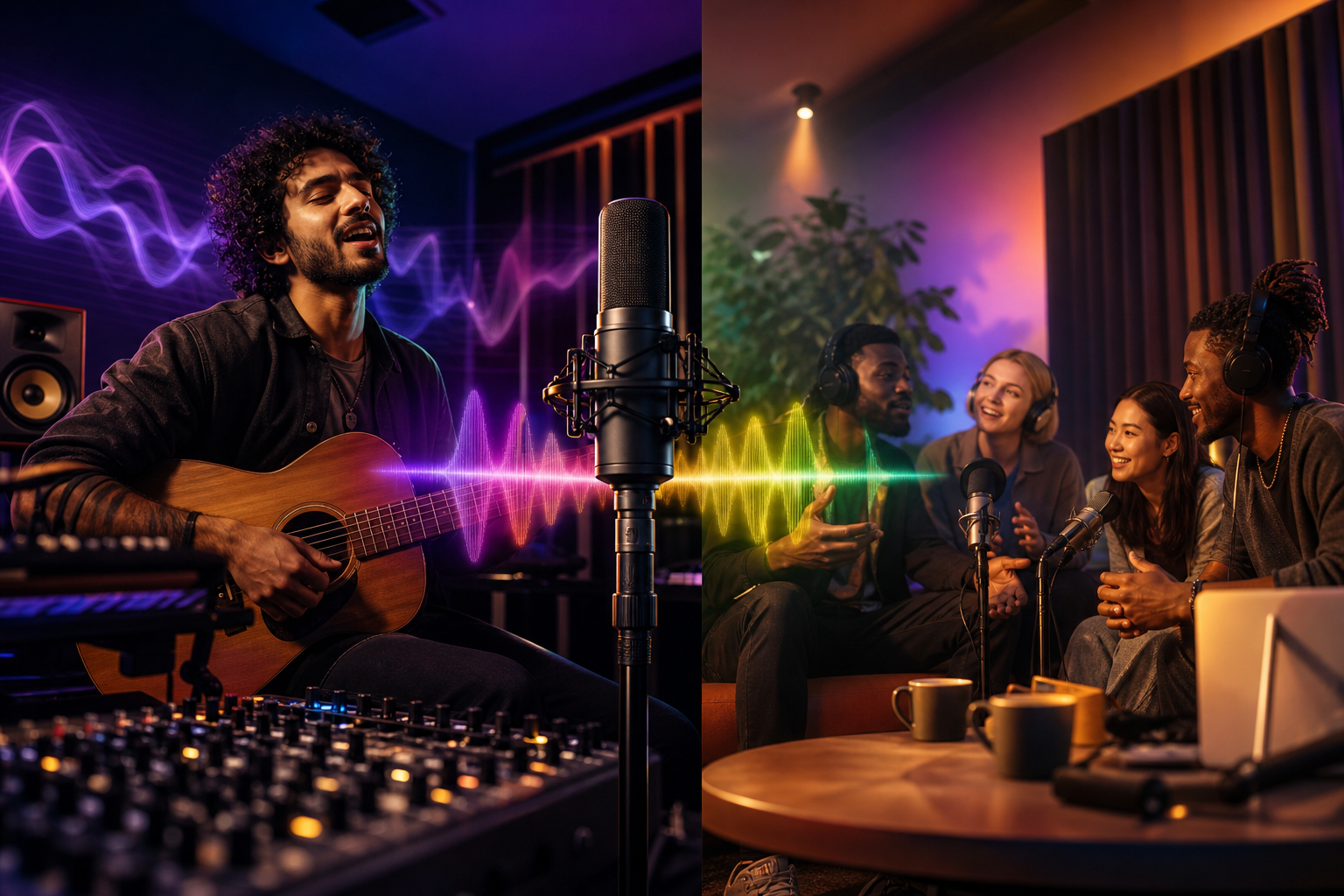
More than 50 million people use an India-based social platform built around short video and live audio. In 2026, live audio chat rooms let you gig from your room, test new songs, and grow fans without a camera or a stage.
Here’s the short answer: audio-only rooms strip performance to what matters, your sound and your story. They’re faster to set up than video, less stressful than an open mic, and better for real-time feedback. You can go live with a phone, a small interface, and one decent mic.
As a singer who has blanked on lyrics under bright lights, I can tell you this format is kinder. Your voice sits front and center. Your nerves settle faster. And your listeners feel closer because the room sounds like a backstage hang, not a broadcast studio.

What Are Live Audio Rooms and Why Do They Matter for Musicians?
Live audio rooms are group conversations you host where people join, listen, and speak through voice only. Unlike livestreaming video, you don’t need lights, a camera, or a tidy room. You press “start,” bring a guitar or keyboard close to the mic, and play. Because there’s no picture, the sound, your tone, phrasing, and dynamics, becomes the full experience.
For musicians, the lower barrier matters:
-
First, audio uses less bandwidth, so you’re less likely to drop frames or glitch mid-chorus. – Second, stage fright eases. Without a lens pointed at your face, you can focus on breath and pitch. – Third, you can shape your mix. A voice and instrument blend that would get smeared on phone video can stay clear in a good audio room.
-
Moreover, listeners join with fewer hangups. They can be on a bus, in the kitchen, or in bed with the lights off. That makes sessions feel intimate and repeatable. Instead of one “big show” each month, you can build two or three small sessions each week and refine a set in public.
Latency: The One Caveat
Real-time duets across the internet still hit delay. You can trade solos and Q&A just fine, but true sync playing is hard above 30 ms round-trip delay. For a primer on why delay happens, see this short overview of audio latency.
Why audio-only stands out for you: lower setup, mic, interface, phone, that’s it. Lower nerves come with no camera and fewer visual worries. Higher focus means tone and lyrics take the lead. And you get better feedback because fans talk back between songs.
Audio vs. Video: What Changes for You
With video, energy goes to framing, lights, and looks. With audio rooms, energy goes to mic placement, gain staging, and set flow. As a result, your practice time lines up with what fans hear at a gig, your sound.
Also Read!
College Student’s Guide to Finding the Best Indian Language Videos
How to Choose and Use a Live Audio Room Platform: Step-by-Step
Choosing a platform is like picking a venue. You weigh its vibe, reach, and tech. Then you rehearse your chain and promote a night. Follow this 7-step framework to get from idea to first-room confidence. You’ll mention or test live audio chat rooms at every step so your plan stays grounded in real tools.
1.
Decide whether you’re practicing, performing, or networking. For practice, share works-in-progress and ask for notes. For a performance, run a short, tight set with a clear opener and closer. To network, host a writers’ circle or producer AMA to meet peers.
2.
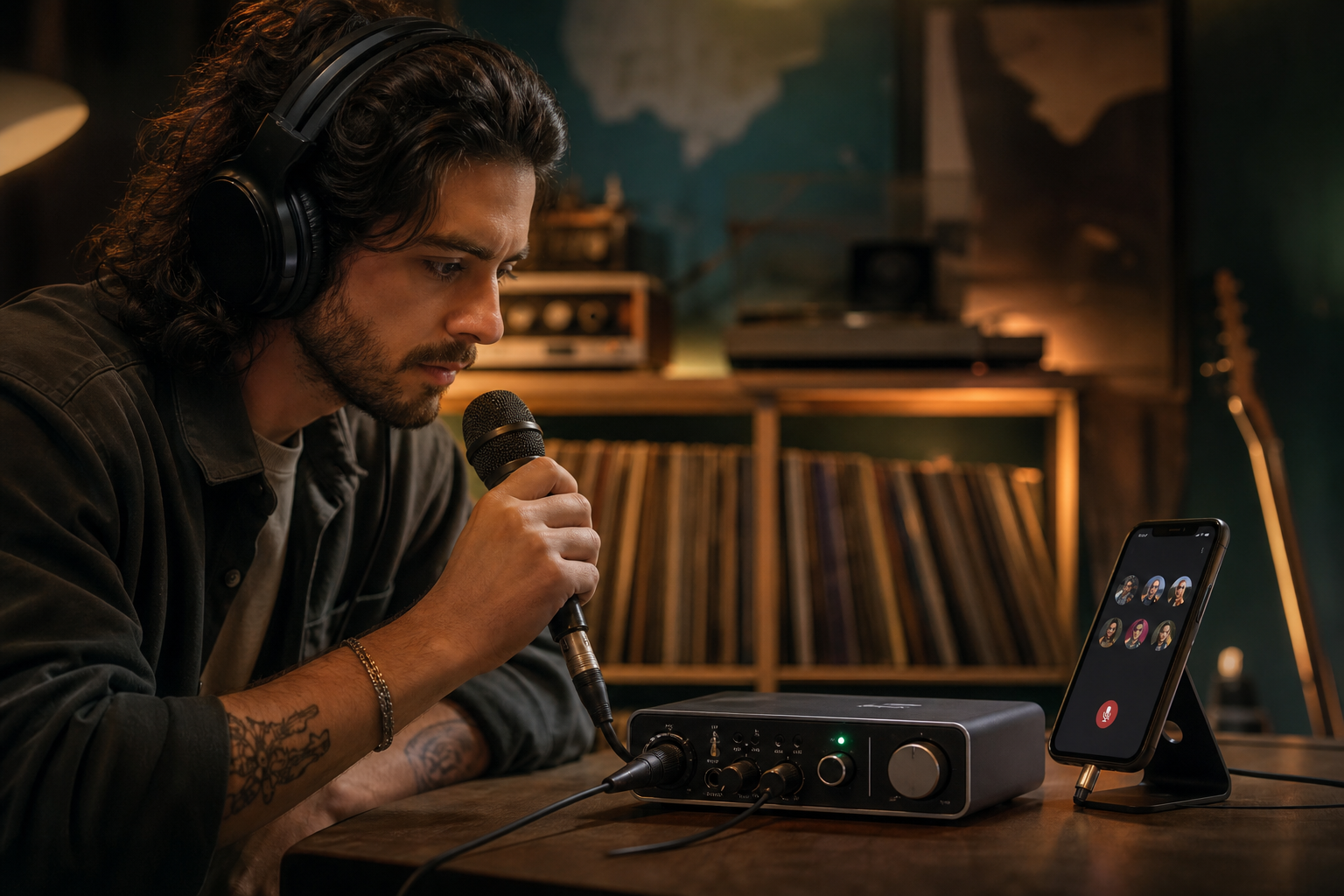
Aim for round-trip delay your ear can forgive, under 50 ms feels OK for talk, and under 20 ms feels responsive for call-and-response. Test with a friend by clapping into the mic and counting the gap you hear back in your headphones. Then reduce buffers: 128 samples at 48 kHz is a good start; use 64 samples if your device can handle it without clicks.
3.
- Scan active rooms at your ideal slot (e.g., Thursday 8 p.m.). Look for 30–200 listeners in music tags. If music rooms sit empty at your hour, adjust your schedule before you judge the platform.
4.
You need clear controls to mute, block, invite speakers, and pin links. Try co-hosting with a friend and practice handoffs so you can focus on playing. Strong mod tools keep your room calm when you perform.
5.
- Use a dynamic mic (e.g., an SM58-style) 10–15 cm from your mouth to reduce room noise.
- Run 24-bit, 48 kHz. Set gain so peaks hit about -12 dBFS.
- Add light high-pass at 80 Hz if your voice booms.
- Place the instrument 30–60 cm from the mic, angled off-axis to avoid plosives. If you sing and play, test both balances at song volume.
6.
Write a one-line hook: “3 new songs about leaving home, live, 15 minutes. Post a story and a feed post on your main channel 24 hours and 2 hours before showtime. Cross-post to a student or creator resource like Best Live Audio Rooms for College Students in 2026 or share advice from New Creator's Guide to Live Audio Rooms in 2026 to attract the right crowd.
7.
- Track three notes after each room: one thing that worked, one thing to fix, one person to thank. Then change one variable next time — set length, opener, or Q&A timing — not five at once.
Quick Latency Check
If you clap and hear your friend’s return in about 200 ms, treat the room as a “host performs, guest reacts” session. If it feels near-instant, try call-and-response riffs or short harmonies. Keep your expectations honest so the show format matches the tech.
5 Mistakes Musicians Make in Live Audio Rooms
Going live is a skill. Small slips can mute a great song. Here are five common mistakes in live audio chat rooms and the fixes that save your set the same night.
1) Poor mic setup
Mouth too far from the mic, or gain too hot, makes your voice thin or harsh. Keep 10–15 cm distance and angle the mic 20° off-axis while you aim for -12 dBFS peaks. Use a pop filter and a high-pass at 80–100 Hz if needed so your tone stays clear.
2) Ignoring engagement and chat
You play three songs straight and vanish, and listeners drift. Build a rhythm: 1 song → 1 minute chat → 1 song, and use names as you ask, “Verse A or B?” Pin a link to your Bandcamp or tip jar between tunes to guide action.
3) Treating it like a recording session
Endless takes and plugin tweaks crush the mood. Embrace live feel: do one soundcheck song, then commit. Save detailed mixing for your DAW later so the vibe stays front and center.
4) No consistent schedule
Random pop-up rooms mean fans miss you. Pick a 30-minute slot and keep it, for example, Tuesdays and Fridays at 7:30 p.m. local. Schedule in-app 48 hours ahead so your followers get reminders and can plan to attend.
5) Wrong platform for your audience
If you play indie folk but the platform skews tech talk, you’ll feel invisible. Match your crowd, and for student-heavy or new-creator scenes, this roundup on live audio chat rooms best for new creators 2026 points you where people already listen. Fit matters as much as fidelity.
A Simple Engagement Script
Open with a hook (10 seconds), play one song, thank two listeners by name, ask one question, then play again. Repeat. This 80/20 music-to-talk mix feels alive without rambling.
Also Read!
How to Edit Music Videos with Effects as a Musician or Singer
Best Platforms and Tools for Musicians Going Live with Audio
You have choices. Each platform trades latency, reach, discoverability, and language support a bit differently. The right home for your 2026 sets depends on who you want to reach and how you plan to grow.
Each platform trades latency, reach, discoverability, and language support a bit differently.
Twitter/X Spaces
Reach is broad with news and culture audiences, and discoverability is decent if you schedule and pin. Monetization is indirect through tips and off-platform links. Latency is fine for talk and Q&A but not for tight duets, and languages are global though curation varies by region.
Discord Stage Channels
Reach shines inside tight-knit server communities, while discoverability is low outside your server. Monetization comes via server perks and membership models. Latency stays low for voice chat but still isn’t duet-grade, and languages depend on your community base.
Clubhouse
Reach now sits in music clubs that remain more niche than 2021 peaks. Discoverability benefits from room titles and clubs, and monetization via tips and creator programs varies by region. Latency works well for host-perform formats, and languages are broad and community-led.
Spotify’s past live experiments
Spotify Greenroom and follow-ups were tried, and support shifted. Treat any “live with music” features as in flux and plan a backup. Keep your off-platform links current so listeners can find you regardless of feature changes.
Chingari
Reach spans over 50 million users, with social proof from its India base. Features include short video, live video, and live audio rooms in one place, and discoverability benefits from built-in audiences and tags that help new acts. Monetization lets you promote music and content within your profile while driving tips with pinned links. Languages cover 10+ options for inclusive multilingual sets, and trust is supported by recognition as India’s #1 Social Networking App plus investments in data protection and security, strong signals when you invite fans to follow you.
Tip: If you want multilingual reach and a built-in audience for both clips and live sets, tools like Chingari can be a single home for short videos and audio rooms without juggling logins.
Key Takeaways
Before you host your first or next room, lock in the core lessons so your time pays off. The right setup and a repeatable format beat a one-off “perfect” show. And yes, audio-only can grow your audience faster than an over-produced video stream because you’ll go live more, with less friction.
- Audio-only lowers stress and cost, so you’ll perform more often and get real feedback you can use the same day.
- A dynamic mic, 24‑bit/48 kHz, and -12 dBFS peaks form a solid baseline for clear, warm voice.
- Treat latency as a format choice: host-performs works well; tight cross‑country duets do not.
- Consistent slots (e.g., Tuesdays 7:30 p.m.) train fans to show up and invite friends.
- Small iterations — one variable per show — compound into better sets by week three.
Furthermore, your platform is a venue, not a savior. You still win the room with song choice, pacing, and how you make people feel seen. If you serve the hang, the hang serves you back.
Finally, keep your links tight. Pin your set list, tip jar, and release date. Then thank three listeners by name. Those 30 seconds of care do more than any filter or lens you could buy.
What to Do This Week: Your First Live Audio Performance
Here’s a concrete plan you can finish in under two hours. You’ll use one of the major apps that support live audio chat rooms, and you won’t overthink it. The goal is to learn by doing, then do it again next week.
-
Pick one platform
-
Choose the app where your current followers already hang out. Don’t chase features yet; chase the people who like your songs.
-
Test audio with a friend (10 minutes)
-
Plug in your dynamic mic and interface. Set 24‑bit/48 kHz. Aim for -12 dBFS peaks. Have your friend rate clarity on a 1–5 scale. Drop your high-pass to 80–100 Hz if it booms.
-
Schedule a 15-minute session
-
Title: “Two New Songs + One Cover.” Set it 24 hours from now. Add a one-line description and your pinned link (Bandcamp, tip jar, or mailing list).
-
Promote on one channel
-
Post a square image and a short caption: “Live tomorrow, 8 p.m., 15 mins, new songs.” Add reminders at T‑24h and T‑2h. Stick to one platform so you don’t dilute your push.
-
Run the show and collect feedback
-
Format: intro (15 seconds), song, chat (60 seconds), song, closer (15 seconds), ask for one action (follow, tip, or save the date). After, save three notes: what worked, what to fix, who to thank.
As a result, you’ll have a repeatable loop by the end of week one. In week two, change one variable: day, opener, or ask. In week three, change a second variable. By week four, you’ll have a tight micro‑set and a growing group that shows up for you.
 Indian Language Video Platform Guide for Students (2026)
 Live Audio Chat Rooms: Chingari vs Clubhouse (2026)